
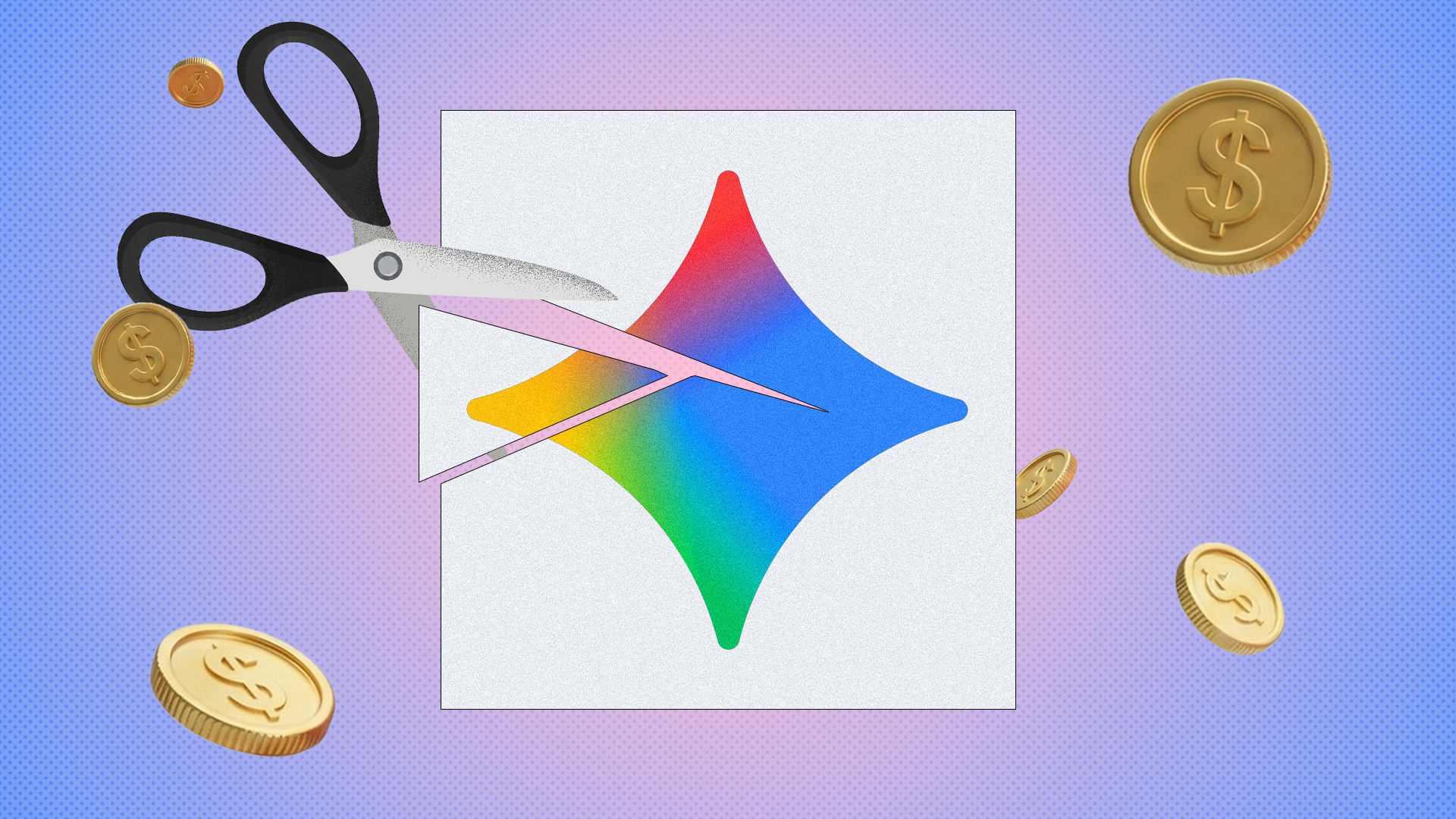
Google is Changing Gemini, and Many Android Users Are Upset
If you use an Android phone, you probably know about Google Gemini. It is Google's smart AI helper. For a long time, Gemini was free and offered many cool features. People liked using it to write messages, plan trips, or answer quick questions.
Recently, things started to change. Google is taking away some of the free features and moving them behind a paid plan. Because of this, many users are starting to look for other options. Let us talk about why this is happening and what it means for your phone.
Why People Liked Google Gemini
When Google first launched Gemini to replace Google Assistant on many phones, it was not perfect. It made mistakes, and it felt a bit slow. But Google kept updating it. Soon, it became a handy tool for everyday tasks.
Android users loved that they could get smart AI help without paying extra money. It was built right into the phone. You could ask it to summarize long emails or help you brainstorm ideas right from your home screen.
Here is what made the free version popular:
- Quick answers to daily questions
- Help with writing text messages and emails
- Easy integration with other Google apps like Gmail and Docs
- Voice commands that felt natural
The Problem: Free Features Are Going Away
Nothing stays free forever, right? Google recently decided to lock some of the best Gemini features behind a subscription service called Google One AI Premium. This costs money every month.
When a company gives you a great tool for free and then takes it away to make you pay, it feels frustrating. Many users feel like they were just test users for a paid product. If you do not want to pay the monthly fee, your Gemini app suddenly feels much less useful.
This move makes people ask a simple question: Is it still worth keeping Gemini on my phone?
Is It Time to Ditch Gemini?
If you only used Gemini for basic tasks, you might not notice a big change. But if you liked the advanced features that are now locked away, you have every right to feel annoyed. The good news is that Android gives you choices.
You do not have to stick with an app that no longer gives you what you need. There are other ways to get AI help on your Android device.
What Else Can You Use?
If you decide to delete Gemini, you have a few good alternatives:
- Bring Back Google Assistant: You can actually switch your default digital helper back to the classic Google Assistant. It is simple, fast, and does not try to sell you a subscription for advanced AI.
- Use Microsoft Copilot: Microsoft has a very good AI app for Android. It uses the same technology as ChatGPT, and it is free to use.
- Download ChatGPT: The official OpenAI app is available on the Google Play Store. It is fast, smart, and has a great free tier.
How to Switch Back to Google Assistant on Android
If you are tired of Gemini and want your old Google Assistant back, you can change it in a few taps. Here is how you do it:
- Open the Gemini app on your Android phone.
- Tap your profile picture in the top right corner.
- Go to Settings.
- Look for the option that says Digital assistants from Google.
- Select Google Assistant to switch back.
It really is that easy! You do not have to be stuck with an app that no longer fits your needs.
Final Thoughts
Google has every right to charge for its advanced AI technology. Running big computer servers costs a lot of money. However, taking away free features always makes users unhappy.
If Gemini still works for your daily routine, keep using it. But if you feel let down by these changes, remember that Android is all about freedom. You can easily switch to a different app or go back to Google Assistant. What do you think about these changes? Are you going to pay for Gemini, or are you ditching it for something else? Let us know your thoughts!


No comments:
Post a Comment