
The smartphone world is moving at a breathless pace, and if you are a Samsung enthusiast, you already know what that means: the horizon is shifting toward the next big software revolution. With the tech community buzzing about Samsung's upcoming software suite, anticipation for One UI 9—built upon the foundation of Android 17—is reaching fever pitch. Expected to roll out soon alongside the much-talked-about Samsung Galaxy S26 series, this update promises to redefine how we interact with our mobile devices.
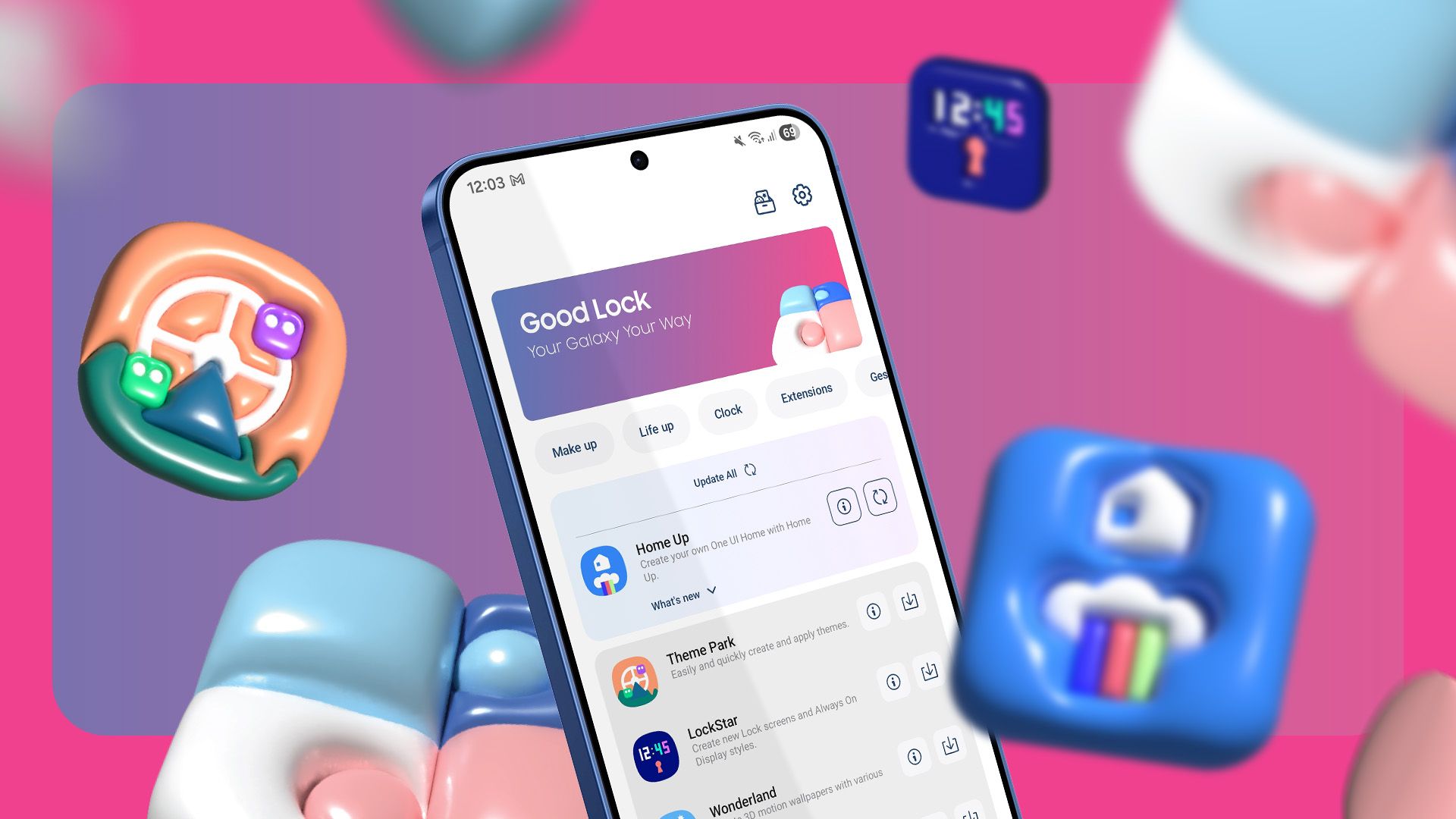
But while we eagerly await the official stable release, there is no need to sit on your hands. Samsung’s legendary deep-customization suite, Good Lock, remains the ultimate playground for power users. If you want to make your current Galaxy device feel fresh, modern, and uniquely yours before the One UI 9 update drops, you need to dive into the Good Lock ecosystem right now.
Let’s explore the top 5 Good Lock customizations you need to try on your Samsung Galaxy phone today to maximize your productivity, aesthetics, and overall user experience.
1. Home Up: Master Your App Drawer and Recent Apps
For those who find the stock Samsung One UI launcher a bit too rigid, Home Up is an absolute game-changer. It unlocks hidden layers of your home screen and task switcher that Samsung leaves tucked away by default.
One of the standout features within Home Up is the ability to completely revamp the Task Changer. Instead of the standard horizontal scrolling list of recent apps, you can switch to a vertical list, a grid layout, or even a stack view that feels remarkably intuitive. It speeds up multitasking and gives your phone a sleek, futuristic aesthetic.
Key Home Up Features to Try:
- Layout Control: Modify your home screen grid size beyond the standard limits and remove app label names for a minimalist look.
- Share Menu Management: Clean up the Android share sheet by hiding unwanted apps and direct-share contacts.
- Backup and Restore: Save your custom home screen layouts so you never lose your setup during major OS updates like One UI 9.
2. LockStar: Redesign Your Lock Screen Beyond Defaults
Your lock screen is the first thing you see dozens—if not hundreds—of times a day. Why settle for a generic layout when you can make it a masterpiece? LockStar allows you to break free from the traditional clock and notification placement limitations.
With LockStar, every single element on your lock screen becomes draggable. Do you want your clock shifted to the bottom corner? Done. Do you want custom shortcuts for your favorite apps right on the lock screen instead of the default phone and camera icons? LockStar makes it happen.
Furthermore, it integrates seamlessly with Samsung's Always On Display (AOD), allowing you to create a cohesive aesthetic that flows effortlessly from sleep mode to wake mode.
3. NavStar: Reclaim and Reimagine Your Navigation Bar
Whether you are a die-hard fan of the classic three-button navigation layout or a gesture-navigation purist, NavStar gives you total dominance over the bottom of your screen.
For gesture users, NavStar allows you to hide the gesture hint bar completely for an immersive, full-screen media consumption experience. More importantly, it lets you adjust the sensitivity of the back gesture, saving you from those frustrating moments when an app fails to register your swipe.
If you prefer buttons, NavStar lets you add extra buttons to the navigation bar—such as a dedicated button to pull down the notification shade or take a quick screenshot. You can even customize the icons with fun, colorful themes.
4. SoundAssistant: Granular Control Over Your Audio
If you use your Galaxy phone for media consumption, gaming, or multitasking with audio, SoundAssistant is arguably the most powerful module in the entire Good Lock suite.
By default, pressing your volume rocker changes the media volume universally. SoundAssistant lets you change this behaviour so it adjusts individual app volumes instead. Imagine listening to your favorite podcast while browsing social media; with SoundAssistant, you can ensure the podcast volume stays high while videos on your feed play silently.
Advanced Audio Tweaks to Explore:
- Individual App Volumes: Control the exact audio output level for every single app installed on your device.
- Floating Volume UI: Customize where the volume slider appears on your screen and how long it stays visible.
- Bluetooth Mono/Stereo Routing: Optimize audio output for specific accessories.
5. Wonderland: Create Breathtaking Moving Wallpapers
Static wallpapers are a thing of the past. If you want to give your phone a dynamic, eye-catching visual flair that will turn heads, Wonderland is your go-to module.
Wonderland lets you take any image and turn it into a multi-layered, moving wallpaper with particle effects, ripples, and motion tracking. You can add snow falling over a winter landscape, shimmering light effects to a night cityscape, or gentle ripples to a water photo. The best part? It is surprisingly gentle on your battery life while delivering a high-end visual experience that rivals natively animated system wallpapers.
Why Optimize Now Before One UI 9?
Some users wonder if it is worth setting up these customizations right before a major OS overhaul like One UI 9 and Android 17. The truth is, Samsung’s Good Lock modules are continually updated by the dedicated Good Lock Labs team. By familiarizing yourself with these tools now, you establish a personalized workflow that translates smoothly into future software iterations.
Moreover, dialing in your device preferences with Good Lock bridges the gap between hardware cycles. Whether you are holding out with your current daily driver or planning an upgrade to the upcoming Samsung Galaxy S26, mastering these five modules ensures your smartphone experience remains lightning-fast, highly personalized, and completely optimized.
Head over to the Galaxy Store right now, download the Good Lock app, and start experimenting with Home Up, LockStar, NavStar, SoundAssistant, and Wonderland. Your phone will thank you!


No comments:
Post a Comment