

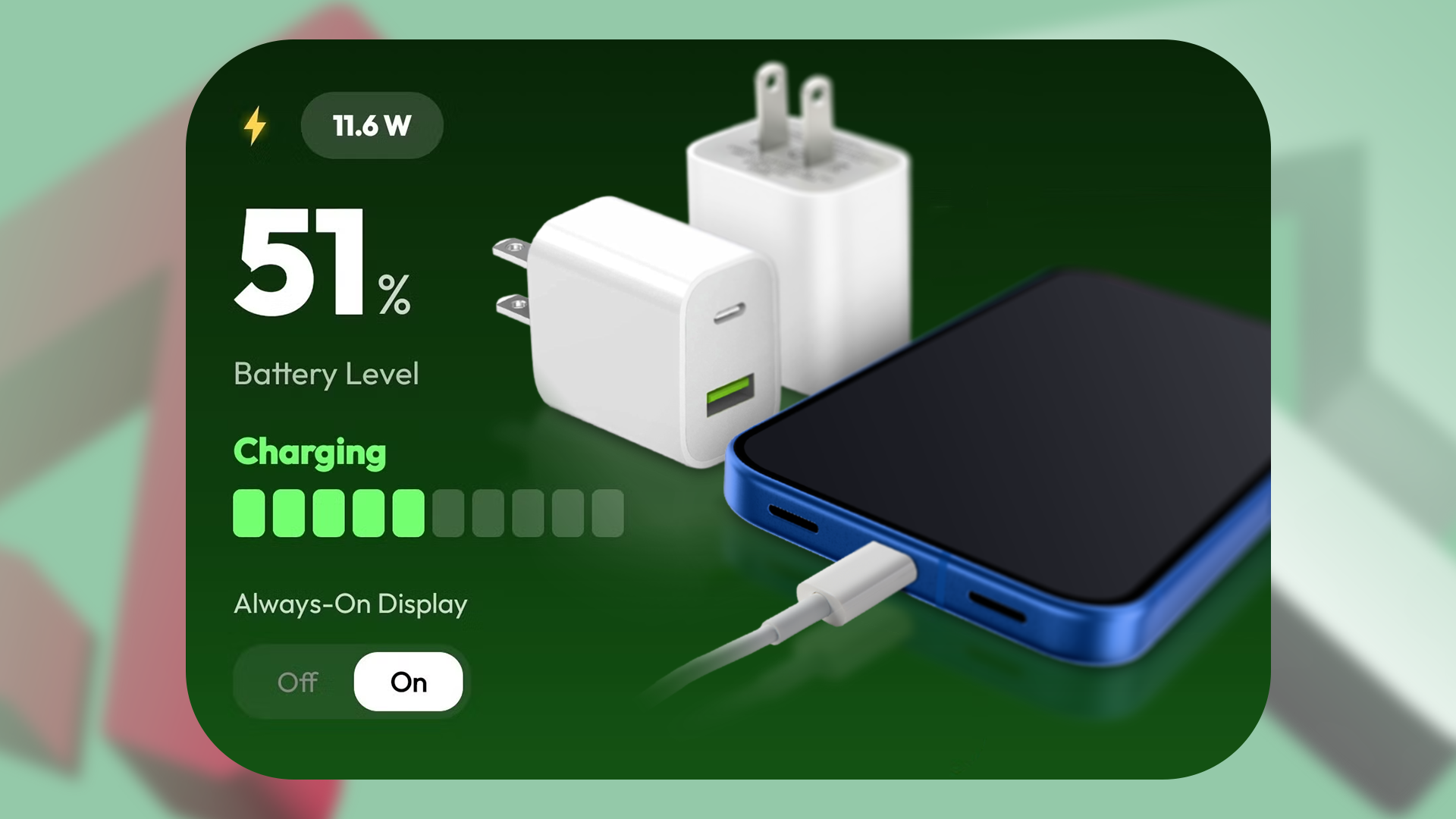
A Fake Charger Fried My Phone’s Motherboard, So I Found an App to Catch Them Instantly
We’ve all been there. You’re away from home, your phone battery is dangling at a depressing 3%, and you realize you forgot your trusty brick and cable. Desperate, you rush to the nearest gas station, local convenience store, or bargain-bin website, shelling out a mere $5 for a replacement. It looks legit. It even has the logo stamped on the side. You plug it in, see the little lightning bolt icon appear on your screen, and breathe a sigh of relief.
Until, that is, your phone starts acting possessed. The touchscreen registers phantom taps, the device heats up like a hot skillet, and then—abruptly—it goes completely dark. Forever.
That was my harsh reality last month. A counterfeit charging brick quietly fried my smartphone’s internal motherboard, turning a $1,000 pocket computer into an expensive paperweight. Repair technicians shook their heads: "Power surge from a bad accessory. Motherboard is toast. Not covered under warranty."
Determined to make sure this never happened to me—or anyone I know—again, I went down a massive rabbit hole of electronic safety, hardware testing, and mobile utilities. That’s when I discovered a game-changing solution: dedicated charging diagnostic apps that can spot a fake, dangerous charger in seconds before it destroys your hardware.
In this post, we’re going to dive deep into the shady world of counterfeit chargers, look at the silent damage they cause, and explore how you can use modern software to protect your tech.
The Hidden Dangers Lurking in Counterfeit Chargers
At first glance, a charger is just a piece of plastic with some metal prongs. How different can a $5 knockoff be from a $30 original manufacturer brick? As it turns out, the differences are astronomical—and potentially life-threatening.
Authentic chargers from reputable brands like Apple, Samsung, Anker, or Google are miniature engineering marvels. They feature complex circuitry known as solid-state transformers, optocouplers, and PWM (Pulse Width Modulation) controllers. These components work together in milliseconds to regulate voltage, filter out electrical noise, and step down high AC wall voltage into safe, steady DC power.
Counterfeit chargers, on the other hand, are built to cut corners everywhere possible. To save pennies, manufacturers routinely omit:
- Isolation transformers: Which prevent high-voltage AC from bleeding directly into your low-voltage phone.
- Overheating protection: Which cuts power if the internal components reach dangerous temperatures.
- Voltage regulators: Which ensure a smooth, consistent stream of power (usually 5V, 9V, or 12V depending on fast-charging protocols).
Without these safeguards, a cheap knockoff acts like a firehose of unstable electricity. It delivers erratic power spikes that slowly degrade your battery's lithium-ion cells, scramble your phone's power management IC (integrated circuit), and—in worst-case scenarios like mine—completely fry the motherboard.
Spotting a Fake Used to Be Impossible
For years, consumers had very few tools to verify if an accessory was safe. Sure, you could look for misspellings on the box (like "Aple" or "Samsung"), or check if the prongs felt unusually flimsy. But counterfeiters have gotten scarily good. Packaging looks identical, fonts match, and weights are easily manipulated by adding cheap metal slugs inside the plastic casing.
Visual inspection alone is no longer enough. You cannot look at a white plastic brick and tell whether its internal capacitors are rated for 240 volts or if they're going to explode the moment your household grid experiences a minor surge.
That is why relying purely on external aesthetics is a recipe for disaster. We needed a way to look inside the charging process in real-time. We needed a window into the electrical current flowing through our USB ports.
Enter the Solution: Real-Time Charging Monitor Apps
When you plug a charger into your phone, the device's operating system doesn't just sit there passively absorbing energy. It actively negotiates power delivery using protocols like USB Power Delivery (USB-PD) or Quick Charge. During this handshake, your phone's internal sensors monitor voltage, current, and temperature.
Smart developers realized they could tap into these system logs to create charging monitor apps. These tools act as real-time diagnostic dashboards, displaying precisely how much juice is flowing into your device and alerting you when something looks fundamentally unsafe.
After testing several utilities across both Android and iOS, a few standout apps emerged that can catch a dangerous, underperforming, or fake charger instantly.
1. Ampere (Android)
If you're on Android, Ampere is arguably the gold standard for checking charging health. The app measures the exact milliampere (mA) draw when your phone is plugged in.
Here is how you use it to spot a fake:
- Plug your phone into the charger in question.
- Open Ampere and watch the numbers (colored in green or orange).
- Check the advertised output on your charging brick (e.g., 5V/2A equals roughly 2000mA).
- If your brick claims to be a fast charger, but Ampere shows a sluggish trickle of 300mA to 500mA, or if the voltage fluctuates wildly up and down, you are likely using a counterfeit or severely degraded cable/brick.
2. AccuBattery (Android)
More than just a battery health tracker, AccuBattery includes an advanced charging tab that breaks down charging speed, current, and temperature in deep detail. It calculates the exact charging speed and alerts you when your battery is taking excessive stress. If a charger causes your phone temperature to spike past safe operating limits within the first five minutes, AccuBattery's data makes it immediately obvious that the accessory is unsafe.
3. CoconutBattery or iMazing (macOS / iOS)
Apple's iOS is notoriously locked down, making it difficult for on-device apps to read real-time low-level charging current directly on the screen. However, if you connect your iPhone to a Mac or PC running diagnostic software like CoconutBattery or iMazing, you can instantly pull deep hardware statistics.
These desktop utilities read the exact wattage your iPhone is drawing from the lightning or USB-C port. If you plug in a "fast charger" and the software reports it's dragging along at a paltry 2.5 watts instead of the capable 20W or 30W, you’ve instantly caught a fake.
How to Test Any Charger in Under 60 Seconds
Armed with the right diagnostic tools, you can establish a simple routine to test every new accessory you bring into your home before it touches your expensive devices.
- Download a Monitor App: Install a reputable current-monitoring app on your mobile device.
- Establish a Baseline: Plug your phone into a known, factory-original OEM charger and note the maximum milliamp/wattage reading.
- Test the Suspect Accessory: Swap out the original brick for the new, budget, or third-party charger.
- Analyze the Metrics: Look for three major red flags:
- Erratic Jumps: The current bounces violently between high and low numbers.
- Severe Undershooting: The power delivery is a fraction of what the label promises.
- Thermal Spikes: Your battery temperature climbs rapidly without heavy app usage.
- Ditch It Immediately: If the numbers look suspicious, unplug the accessory and recycle it properly. A $15 replacement charger is always cheaper than a $1,000 motherboard repair.
Final Thoughts: Don't Let a Cheap Brick Cost You a Fortune
My motherboard disaster was an expensive lesson, but it forced me to take mobile power safety seriously. We invest hundreds—sometimes thousands—of dollars into our smartphones, yet we routinely trust them to $3 gas-station accessories built with zero quality control.
By leveraging modern diagnostic apps, you no longer have to guess whether a charging brick is safe. You can see the electrical reality in real-time, weed out the dangerous counterfeits, and keep your hardware protected from silent electrical killers.
Have you ever had a charger fry your tech? What steps do you take to ensure your accessories are authentic? Let us know in the comments below, and stay safe out there!





No comments:
Post a Comment