
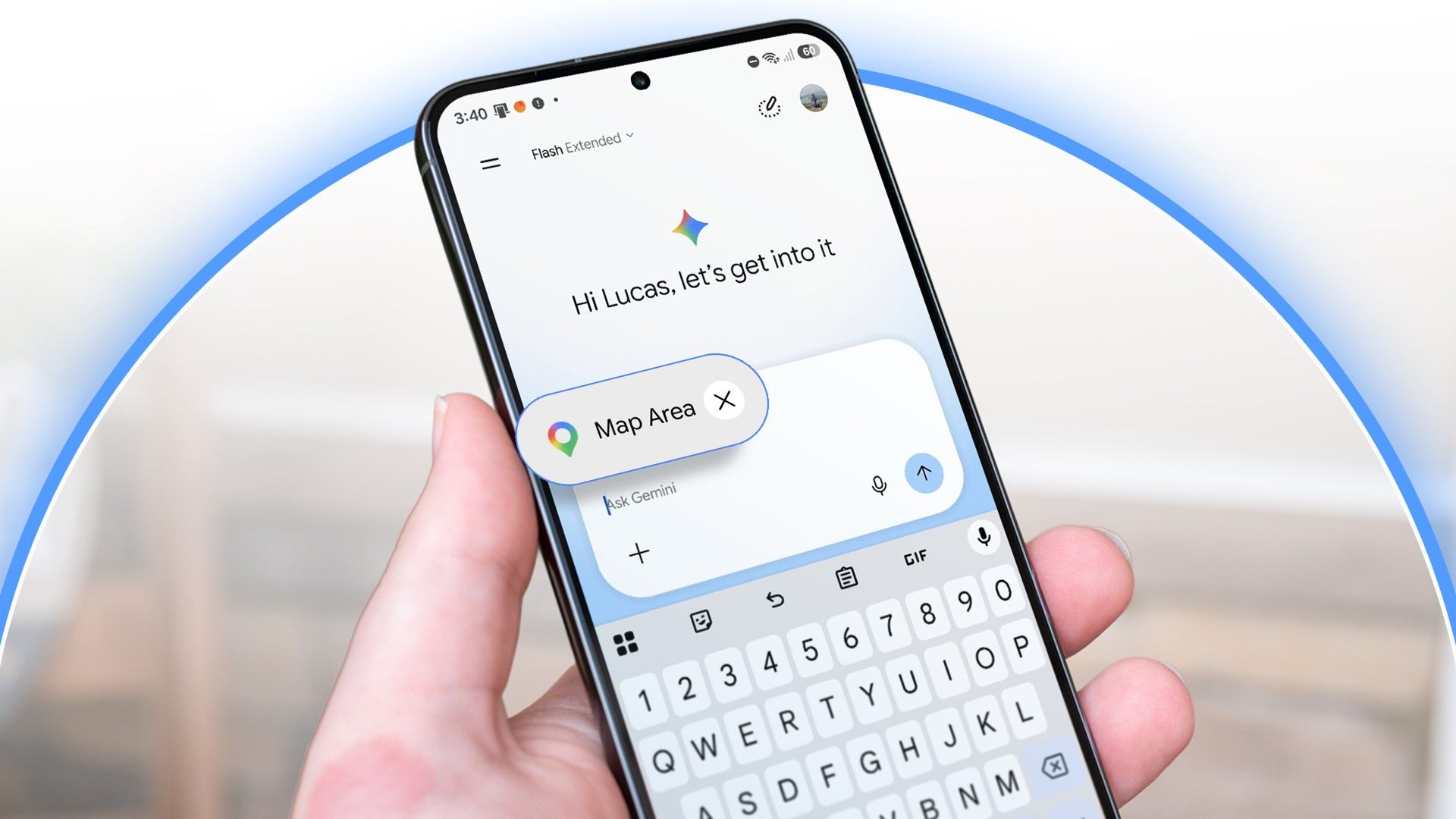
How Google Gemini Solved My Worst Map Search Problem
Do you ever try to look up a place on your phone, but you only remember half the name? It happens to me all the time. I want to find a coffee shop or a park, but my brain goes blank on the exact street.
Usually, I open Google Maps or Google Search and start typing. I misspell the words. I guess the street name. Most of the time, the app gives me a blank stare or shows me places miles away from what I want. It is very frustrating.
Well, I have good news. A new feature inside Google Gemini just fixed this problem for me. It works so fast, and it saves me a ton of time. Let me tell you how it works and how you can use it on your Android phone today.
The Problem with Old Map Searches
Think about how you normally search for a location. You open your phone. You type something like "coffee shop near main street."
What happens next?
- The app shows twenty different coffee shops.
- None of them are the one you want.
- You have to stop, go to Google, and search for more clues.
Standard search bars are too literal. They only look for the exact words you type. If you get a street name wrong, the app fails. It does not know what you mean. It just gives up.
As Android users, we want our phones to be smart. We want our devices to read our minds a little bit. That is where AI comes in.
How Gemini Understands Half-Remembered Names
Recently, I let Gemini help me plan my weekend. I had a rough idea of a place I wanted to visit, but my memory was terrible. I only remembered a vague neighborhood and a weird detail about the storefront.
Instead of struggling with a normal search bar, I just opened Gemini and typed what was in my head. I wrote it down just like I would say it to a friend.
I said: "Hey, what is that cute book cafe with the green door somewhere near downtown?"
In the past, a search engine would break on a prompt like that. It would look for a street called "cute book cafe." But Gemini is different. It is built to understand human speech.
What Happened Next?
In just a few seconds, Gemini did something amazing:
- It figured out the exact neighborhood I meant.
- It matched my silly clue ("green door") with real business photos and reviews.
- It gave me the exact name, address, and directions right away.
I did not need to know the street. I did not need to spell anything right. Gemini connected the dots for me.
Why This Makes Your Android Phone Better
Your Android phone has many smart tools now, but this map integration is one of the best. It changes how we use our phones on the go.
When you are walking down the street in a rush, you do not want to type a long, perfect address. You want quick answers. Gemini acts like a local tour guide who knows the city inside and out.
If you only remember that a restaurant is "next to the big blue theater," you can just tell Gemini that. It will search the map using that clue. It saves you from tapping your screen twenty times in frustration.
How to Try This Feature Right Now
You do not need a brand-new, expensive phone to try this. If you have the Gemini app on your Android device, you are ready to go.
Here is a quick guide to test it out:
- Open the Gemini app on your Android phone. (You can also set it as your main digital assistant).
- Think of a place you want to find, even if you do not know the exact street name.
- Type or say your clue. Mention a landmark, a color, or a vague area.
- Let Gemini find the location and send it straight to your Google Maps.
Give it a try next time you are trying to find a spot with friends. You will be surprised by how smart it is.
Final Thoughts
Technology is at its best when it solves annoying little problems. For years, bad map searches ruined my day. I wasted so much time trying to guess street names.
With Gemini handling my location searches, I do not have to worry about a bad memory anymore. My phone finally understands what I actually mean, not just what I literally type.
Have you tried using Gemini for maps yet? Let me know your favorite search trick in the comments below!


No comments:
Post a Comment