
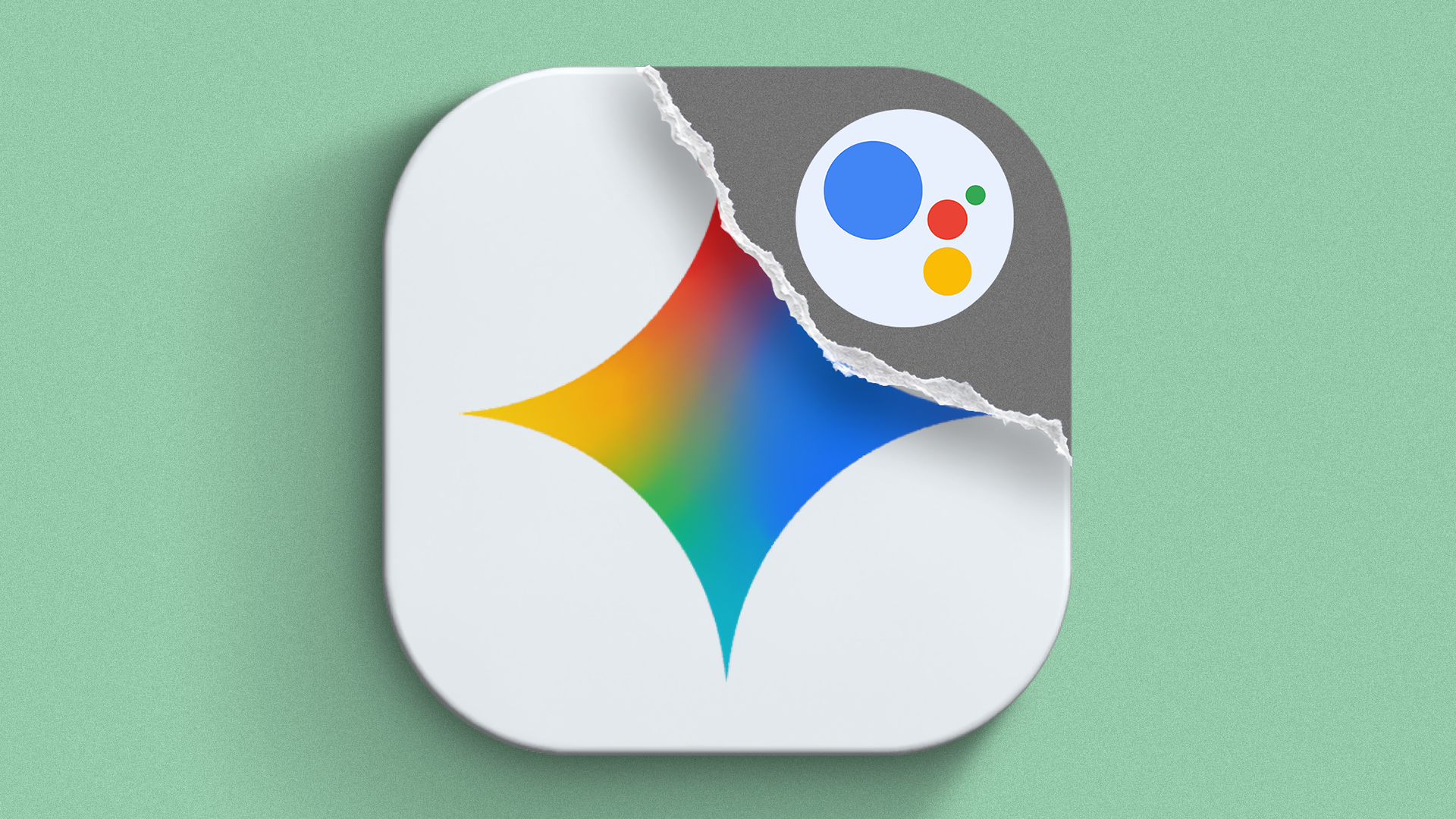
Say Goodbye to Google Assistant
If you use an Android phone, you probably noticed a big change recently. Google Assistant is officially gone. Google removed it from Android phones and tablets. It is also gone from smartwatches and cars.
For years, Google Assistant was our trusty helper. It turned on our lights, set our morning alarms, and answered quick questions without any fuss. Now, Google wants us all to use Gemini instead.
There is just one big problem. Gemini feels too complicated. Sometimes you just want to set a timer or check the weather. Instead, Gemini tries to write a long story or act like a super-smart robot. It talks too much. It takes too long to do simple tasks.
Do you miss the old Google Assistant too? The good news is you can fix this. You can teach Gemini to quiet down and act just like the old Assistant. Here is how you can do it step by step.
Why Gemini Feels So Different
To fix the problem, we need to know why Gemini acts this way. Gemini is an AI model. It uses a lot of big words. It likes to give long answers.
When you asked Google Assistant for the weather, it just said: "It is 72 degrees and sunny."
When you ask Gemini the same thing, it might give you a whole paragraph about the wind speed, the humidity, and what you should wear. That is nice sometimes, but most days, we just want quick facts.
Luckily, Google lets us change some settings. We can make Gemini faster and less chatty.
Step 1: Make Gemini Your Main Assistant
First, make sure your phone actually uses Gemini when you press the power button or say the magic words.
- Open the Google Play Store on your phone.
- Search for the Gemini app and make sure it is updated to the latest version.
- Open the Gemini app one time. It will ask if you want to switch from Google Assistant to Gemini. Say Yes or Switch.
Now, your phone knows who is in charge. But we still need to fix its personality.
Step 2: Turn Off Long Answers
We want short answers. We want Gemini to stop talking so much. Here is how to make it brief:
- Open the Gemini app on your phone.
- Tap your Profile Picture or initial in the top right corner.
- Tap on Settings.
- Look for an option called Responses or Voice.
- Choose the setting that lets Gemini give shorter answers or speak less.
By changing this, Gemini will stop giving you extra information you did not ask for. It will get straight to the point.
Step 3: Use Voice Shortcuts Again
One of the best things about the old Google Assistant was how fast it did things. You could say "Set a timer for 10 minutes" and it happened instantly.
Gemini can do this too, but sometimes it hesitates. To make it act like the old assistant:
- Say your command clearly and loudly.
- Do not use big, fancy sentences. Talk to Gemini like you talk to a friend.
- Say things like: "Turn on the flashlight," or "Call Mom."
The more you use simple commands, the more Gemini learns how you like things done.
Step 4: Bring Back "Hey Google"
You do not have to tap your screen to use Gemini. You can still use your voice just like before.
Open your phone settings, go to Google settings, and make sure Hey Google is turned on. Train your voice again if you need to. Now, when you say those two words, Gemini will pop up right away.
Fixing Small Annoyances
Even with these changes, Gemini might still act weird sometimes. Here are a few quick tips to make your life easier:
- If Gemini opens a web page instead of doing a task: Just close it and try saying the command again in a simpler way.
- If Gemini talks too loud: Use your phone's volume buttons while it is speaking to turn down just the assistant volume.
- If you really hate Gemini: You can actually go into your phone settings and switch back to the old Google app, though Google might remove that option soon. For now, tweaking Gemini is the best path forward.
Getting Used to the New Normal
Change is hard. Nobody likes when companies take away features we use every day. Google Assistant was a big part of our daily routines.
It takes a little bit of time to get used to Gemini. But once you change these settings, it will not feel so annoying anymore. It will quiet down, do your simple tasks, and stay out of your way.
Give these tips a try on your phone today. Let us know in the comments if your Gemini is finally acting like the old Google Assistant!


No comments:
Post a Comment