
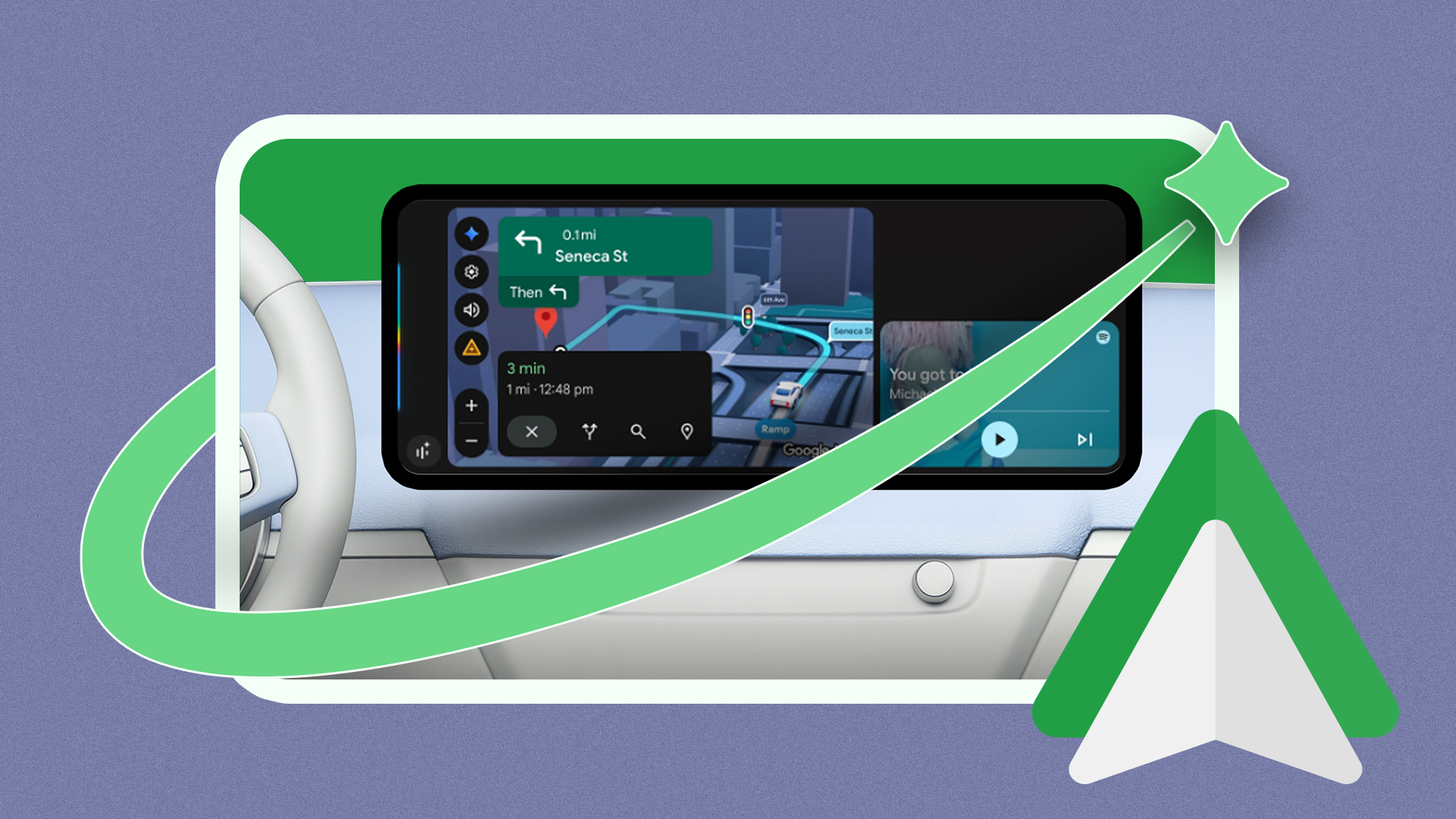
Hey there, Android friend! If you use Android Auto in your car, you probably have some strong feelings about voice assistants. For a long time, the old Google Assistant did the job. It was simple, it played your music, and it read your text messages. Then, Google brought Gemini into the car.
At first, many of us turned Gemini off. Why? Because it talked too much. It felt like having a chatty passenger when you just wanted some quiet time on your morning drive. But things change fast in the tech world. Google is working on a new feature called Magic Cue for Android Auto. This new tool might just make you want to turn Gemini back on.
Let us talk about what this means for your daily drive, why the old system needed an upgrade, and how Magic Cue can make your car trips much easier.
Why Many Drivers Muted Gemini in the First Place
When Google replaced the classic Google Assistant with Gemini, the idea sounded great. Gemini is smart. It uses advanced AI to understand what you mean, not just what you say. But using AI in a moving car is very different from using it on your phone.
Here is what went wrong for many drivers:
- Too much talking: Gemini often gave long, wordy answers when a simple "yes" or "no" was enough.
- Distractions: When you drive, your eyes need to stay on the road. Listening to a long AI speech is dangerous.
- Strict rules: Many users had to set strict boundaries just to stop Gemini from talking too much during their commute.
Because of this, a lot of people went into their settings and muted the AI. They wanted the old, quiet Google Assistant back. But Google did not stop working on the problem. They kept building, and now a better solution is on the way.
What is Magic Cue in Android Auto?
So, what is this new feature? Magic Cue is an upcoming tool designed to make Android Auto smarter and much more helpful. Instead of waiting for you to ask a question, Magic Cue looks at what is happening on your screen and in your life right now.
Think of it as a helpful co-pilot who looks ahead. It does not try to chat with you about random topics. Instead, it gives you the exact button or action you need at the exact right second.
For example, if you get a text from a friend asking, "Are you still on the way?", Magic Cue might pop up a quick button that says, "Send ETA (Estimated Time of Arrival)." You just tap it once, and your phone does the work. You do not need to speak a long sentence or listen to a long reply.
How Magic Cue Changes the Game for Drivers
The best tech features are the ones you do not have to think about. Magic Cue aims to be that kind of feature. Here is how it can fix the problems we had with Gemini:
- Less talking, more doing: Instead of making the AI talk to you, Magic Cue uses visual prompts on your car screen. You look down for a split second, tap, and you are done.
- Better timing: It gives you suggestions based on your current drive. If you are close to home, it might ask if you want to turn on your smart lights.
- Safe driving: Because you use quick taps instead of long voice commands, you stay focused on the road.
Google took about a year to bring generative AI into our cars. The first try was a bit too loud and chatty. But Magic Cue shows that Google is listening to drivers. They understand that a car is not a living room. You need speed, safety, and silence when you drive.
Should You Give Gemini Another Chance?
If you currently have Gemini muted in your car, you are probably wondering if you should turn it back on when Magic Cue arrives. The short answer is: Yes, it is worth a second try.
Google is learning how people actually drive. They know we do not want an AI that tells jokes or chats like a friend when we are stuck in traffic. We want a tool that saves us time and keeps us safe. Magic Cue looks like the missing puzzle piece.
Of course, you are always in control. If you still prefer a quiet drive with just your music and maps, you can keep the settings just the way you like them. But if you want a smarter car experience without the annoying chatter, keep an eye out for this update.
Final Thoughts
Technology takes time to get right. Putting a powerful AI like Gemini into a car was a big step, and the first version was a bit bumpy. But with features like Magic Cue, Android Auto is moving in the right direction.
What do you think? Do you use Gemini in your car, or did you mute it like many other drivers? Are you willing to give it another try when Magic Cue comes out? Let me know your thoughts, and drive safely out there!


No comments:
Post a Comment