
Google Made a Big Change to Gemini
Hey there, Android friend! If you use Google Gemini on your phone, you might notice something different lately. Google recently changed how people access its best AI models for free.
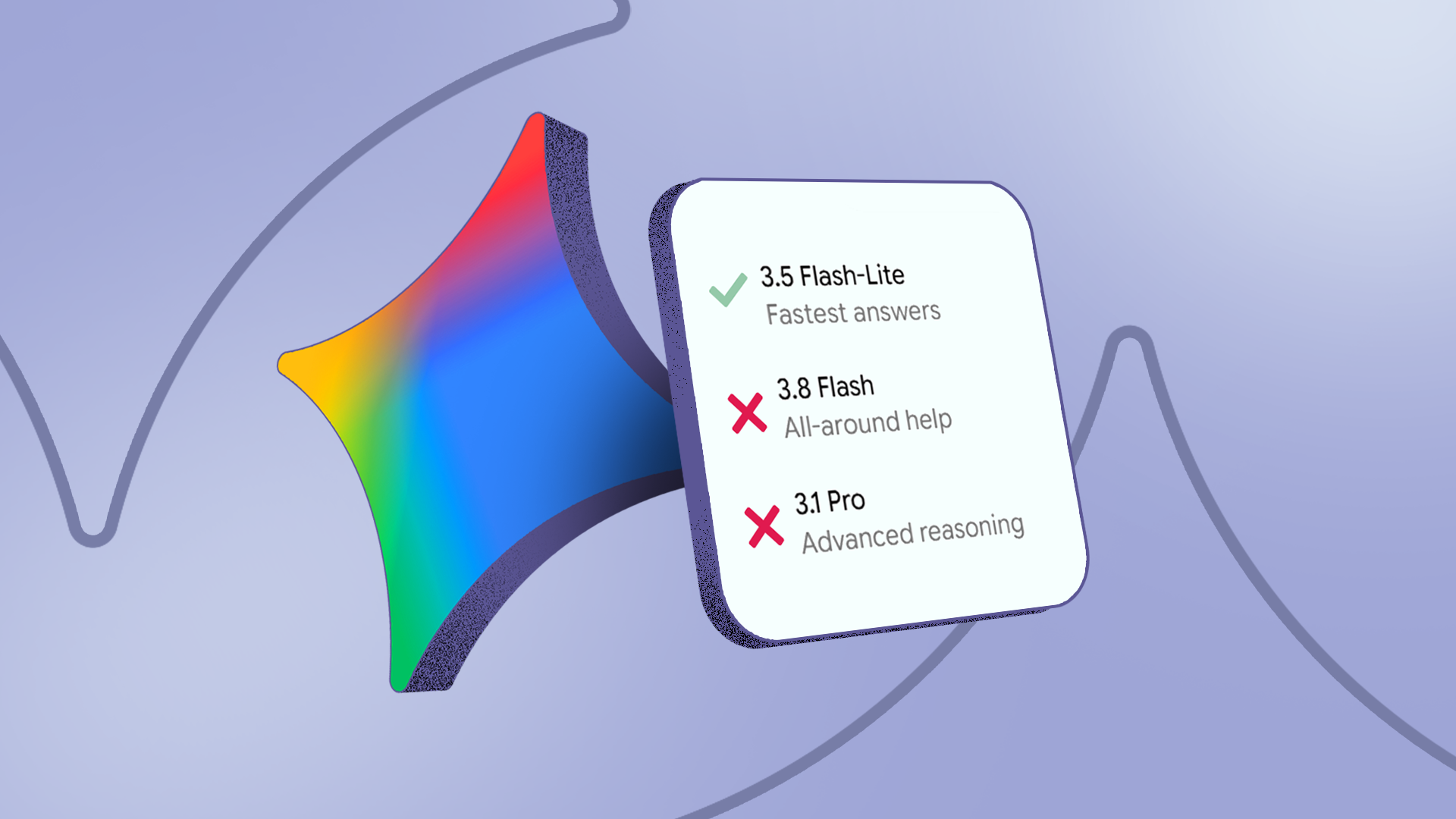
Until now, the free version of Gemini was amazing. You did not have to pay anything, but you still got to use top models like Gemini Flash and Gemini Pro. These are the very same smart models that people who pay for AI Plus get to use.
Well, that party is over. Google took those super smart models away from free users. Now, if you want the best smarts, Google wants you to pay a monthly fee. But do not worry! You do not have to spend a lot of money to get the best AI back on your Android phone. There is a very cheap and easy fix.
Why Did Google Do This?
Running smart AI models costs a lot of money. Computers need massive amounts of power to answer your questions, write your emails, and look at your photos.
At first, Google let everyone use the best models for free. They wanted people to try out the app and see how cool it is. But now that millions of people use Gemini every day, the bills are too high. Google needs to make money, so they put the best models behind a paywall.
Does this mean the free Gemini app is bad now? Not at all! It still works, but it uses a simpler brain. If you ask it hard questions or ask it to write long stories, you might notice it is not as smart as it used to be.
The Cheapest Fix to Get the Best Gemini Back
If you want the super smart AI back on your Android phone without breaking the bank, what can you do? You do not need to buy the most expensive plan. Here is the easiest and cheapest way to fix the problem.
Option 1: Use Google AI Studio (The Free Workaround)
Did you know there is a secret way to use the best Gemini models for free? Google has a website called Google AI Studio. It is made for people who build apps, but anyone can use it.
- Open your phone's web browser (like Google Chrome).
- Go to the Google AI Studio website and log in with your normal Google account.
- You can chat with the newest and smartest Gemini models right there in your browser.
- It is free, and you get access to the top-tier models that Google removed from the regular app.
This is not quite as handy as having the Gemini app on your home screen, but it is 100% free and gives you the exact same smart AI.
Option 2: Share a Family Plan
If you really want the official app experience, look at Google's subscription plans. Google often lets you share storage and AI perks with family members.
If you share a plan with a friend or family member, you can split the cost. This cuts the monthly price in half, making it much easier on your wallet.
How to Make the Free Gemini App Smarter
If you do not want to use a web browser or pay any money, you can still make the free Gemini app work better for you. Here are a few simple tips:
- Give clear instructions: The free model needs a little more help. Tell it exactly what you want. Instead of saying "write an email," say "write a short and polite email to my boss about taking sick leave."
- Check your facts: The free model makes mistakes a little more often. Always read through what it writes before you send it to someone.
- Keep your app updated: Google updates the Gemini app all the time. Sometimes they make the free model better, so make sure to check the Google Play Store for updates.
Wrap Up
It is sad that Google took the best free AI models away. We all love free stuff! But you still have good options. You can use Google AI Studio in your browser for free, or you can find a cheap way to share a plan.
What do you think about this change? Are you going to pay for Gemini, or will you stick to the free version? Let me know in the comments below, and stay tuned for more easy Android tips!


No comments:
Post a Comment