
Let’s be honest: we’ve all been there. You walk into your living room, eager to wind down with your favorite Netflix show or catch up on the latest YouTube creator. You grab your TV remote, press the power button, and wait. And wait. And then… nothing. Or worse, a stuttering, agonizingly slow UI that feels like it’s running on a processor made of cheese and optimism.
That was my exact reality with my 5-year-old Philips Android TV. Physically, the television is still a masterpiece. It sits on my custom TV stand like it was custom-built for it, the 4K HDR panel still pops with vibrant colors, and the build quality puts many modern budget sets to shame. But the software? The software was an absolute disaster.
Apps took a full ten seconds to launch, scrolling through the home screen felt like playing a video game at 12 frames per second, and trying to cast something from my phone usually resulted in a frozen screen and a hard reboot. Smart TV obsolescence is a cruel reality, and my TV’s internal hardware simply couldn't keep up with modern app bloat.
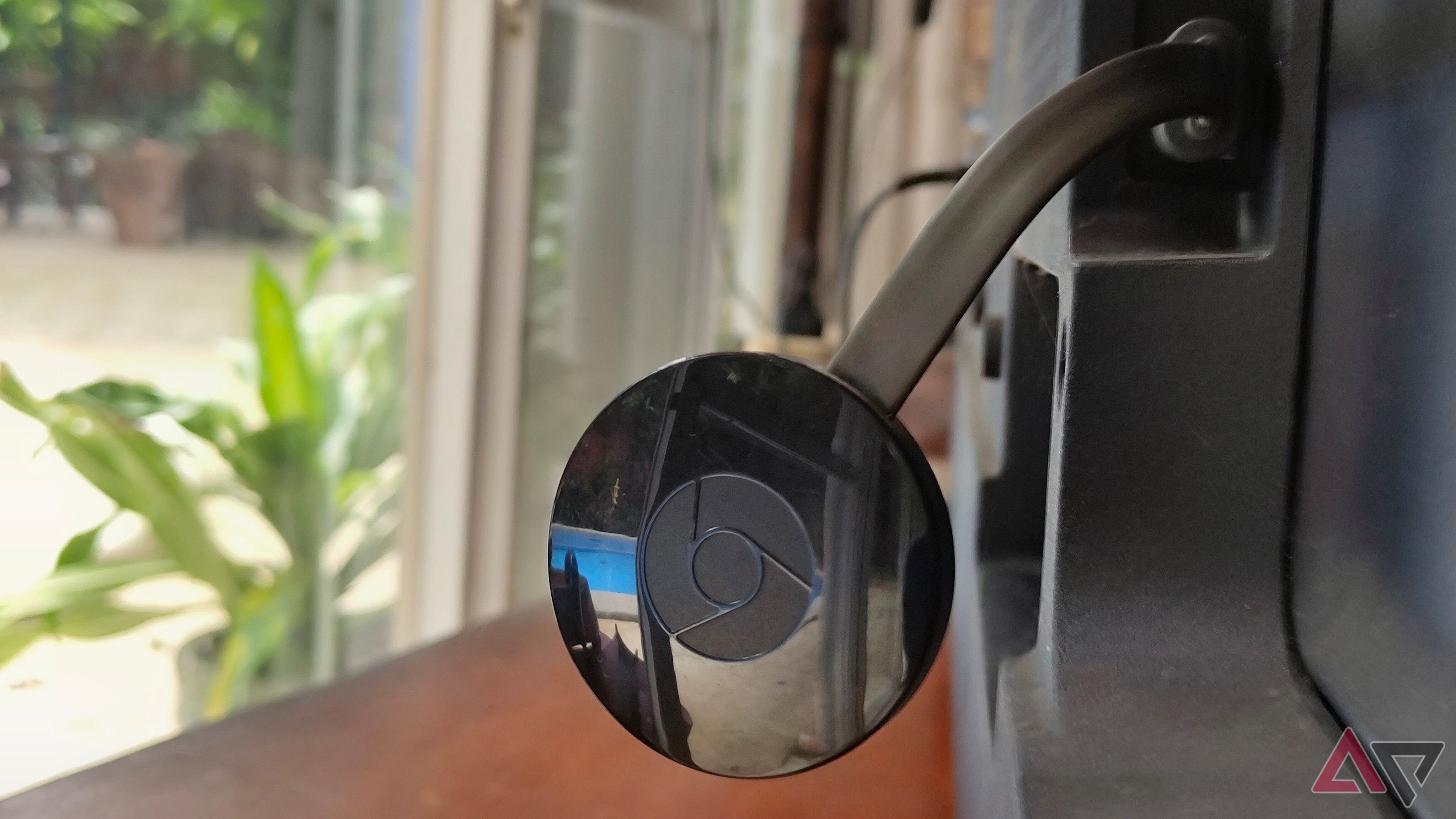
Instead of dropping hundreds of dollars on a brand-new television just because the software was outdated, I decided to run a little experiment. I dug through my tech drawer and pulled out a streaming device from 2015. Surprisingly, it completely resurrected my sluggish entertainment center.
The Anatomy of Smart TV Obsolescence
Why do smart TVs age so poorly compared to smartphones or laptops? The answer comes down to manufacturing compromises. When companies build a television, their primary focus is the display panel, the audio processing, and keeping the price competitive. The internal computer—the System-on-Chip (SoC), RAM, and storage—is almost always an afterthought.
My Philips TV shipped with a modest quad-core processor and a meager 2GB of RAM. In 2018, that was just enough to run Android TV smoothly. But fast-forward a few years, and app developers have added heavier UI elements, higher-resolution assets, and complex background telemetry. Furthermore, major OS updates piled new features onto hardware that was never designed to carry the extra weight.
Buying a new TV every five years is not only expensive, but it's also terrible for the environment. Electronic waste is a massive global issue, and tossing out a perfectly good 4K HDR display just because the operating system is lagging behind feels ridiculous.
Enter the 2015 Savior: What Did I Plug In?
So, what was the magic device that solved all my living room woes? I plugged in a first-generation Nvidia Shield TV from 2015.
Yes, you read that right. A piece of hardware released nearly a decade ago outperformed a television built years after it. While that sounds crazy on paper, tech history is full of anomalies, and the Nvidia Shield TV was famously over-engineered from the day it launched.
Powered by the NVIDIA Tegra X1 chip, this box was originally marketed as both a media streamer and a high-end Android gaming console. While its gaming capabilities have naturally aged against modern consoles, its raw processing power, dedicated cooling fan, and optimized software support made it a timeless piece of hardware.
How the Upgrade Transformed My Setup
Plugging the 2015 Shield TV into my Philips television didn't just make things slightly faster; it completely changed how I interact with my home entertainment system. Here is what happened immediately after setup:
- Instant Responsiveness: Navigating menus, opening apps like Disney+ and Plex, and searching for content happened instantly without the dreaded spinning loading wheel.
- Better 4K Upscaling: The Shield's AI-enhanced upscaling breathed new life into older 1080p content, making standard definition and HD streams look remarkably sharp on the 4K panel.
- Reliable HDMI-CEC: My TV's native software frequently lost sync with soundbars and game consoles. Routing everything through a dedicated hub stabilized HDMI-CEC controls entirely.
- A Clean, Ad-Free Interface: By avoiding the bloated modern Android TV / Google TV home screens packed with algorithmic recommendations, the Shield offered a much cleaner, more streamlined user experience.
Why You Should Consider Older, High-End Hardware
The lesson here isn’t necessarily that everyone needs to hunt down a 2015 Nvidia Shield on eBay (though they remain incredible bargains). The broader takeaway is a mindset shift regarding consumer electronics.
We live in a culture of planned obsolescence that constantly pressures us to upgrade. When something slows down, our first instinct is to buy a replacement. But by decoupling the "smart" features from the "display" hardware, you can extend the lifespan of your core electronics by years.
If your smart TV is dragging its feet, you don't need to throw it in the dumpster. You have several fantastic, cost-effective options to modernize your setup:
- Dedicated Streaming Sticks: Modern budget devices like the Chromecast with Google TV, Amazon Fire TV Stick 4K, or Roku Streaming Stick 4K offer incredible performance for around $30 to $50.
- Apple TV 4K: If you are in the Apple ecosystem, a used or refurbished Apple TV delivers butter-smooth performance and incredible longevity.
- Repurposed Hardware: Check your tech drawer. You might have an old streaming box, an Apple TV, or even a mini-PC that performs circles around your TV's built-in operating system.
Final Thoughts: Stop Letting Bad Software Ruin Good Hardware
My 5-year-old Philips Android TV still looks stunning. Thanks to a piece of hardware that debuted when Windows 10 was brand new, it acts like a brand-new, high-end smart TV once again.
Before you spend hard-earned cash on a brand-new television because your current one feels sluggish, take a step back. Buy a dedicated streaming device, bypass your TV's internal smart interface completely, and keep your hard-earned money in your pocket. Your wallet—and the planet—will thank you.


No comments:
Post a Comment