
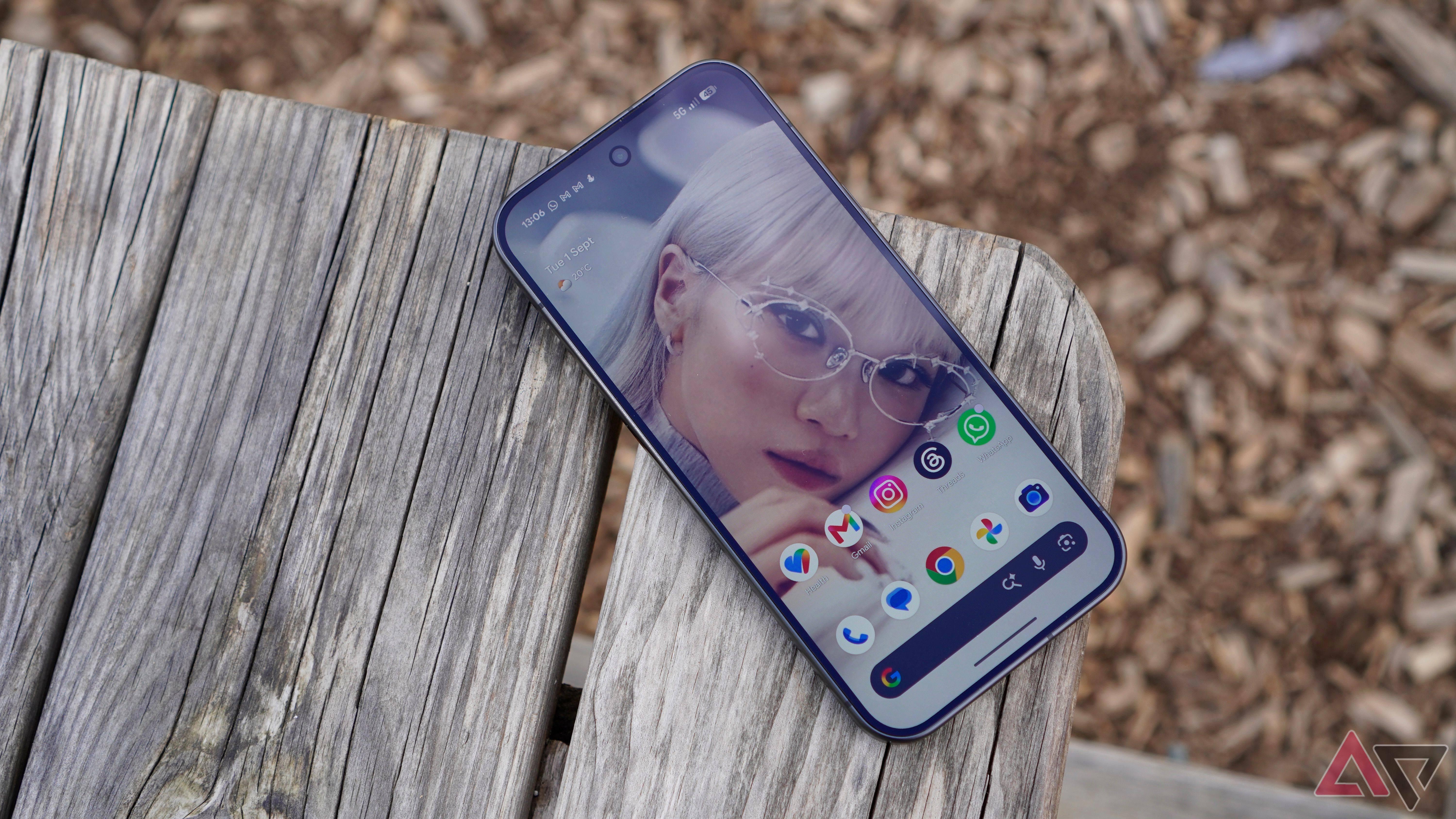
Google’s Motion Sickness Helper for Android is Breaking Free of Pixels
If you have ever tried to answer an important Slack message or catch up on your favorite YouTube videos in the back of a moving car, you are likely all too familiar with the sudden, nauseating wave of motion sickness. That sickening disconnect between what your eyes see (a stationary phone screen) and what your inner ear feels (movement and acceleration) has ruined countless mobile gaming sessions and productivity hours on the go.
Apple attempted to solve this issue with its clever Motion Cues feature, and now, Android users finally have an equally potent weapon in their arsenal. Better yet, you no longer need to own a Google-branded phone to use it. Google’s innovative motion sickness helper, known as Motion assist, is officially breaking free of Pixel exclusivity and rolling out widely across the broader Android ecosystem.
The Evolution of Motion assist: From Pixel Exclusive to Android Staple
Google’s journey toward curing digital motion sickness has been moving at a rapid pace. After months of behind-the-scenes testing and anticipation, Google initially rolled out Motion assist—its direct answer to Apple’s iOS feature—to the Pixel 11 family in late August.
Naturally, Pixel owners rejoiced. However, the tech community wondered how long the feature would remain locked behind a hardware walled garden. Fortunately, users didn't have to wait long. As part of the September Android Feature Drop, the tech giant announced a much wider expansion plan. Just a couple of weeks later, Motion assist has become generally available for a wide variety of devices running Android 17.
How Does Motion assist Actually Work?
To understand why this update is such a massive win for mobile users, it helps to understand the science behind motion sickness. Sensory conflict is the primary culprit: your vestibular system (inner ear) feels the vehicle turning, accelerating, or braking, but your eyes are fixated on a completely still digital display. Your brain panics, assuming you’ve ingested a neurotoxin, and triggers that dreaded nauseous feeling.
Motion assist uses your phone’s built-in gyroscopes and accelerometers to detect when you are in a moving vehicle—whether that’s a car, train, or bus. Once triggered, the operating system overlays small, animated dots on the edges of your screen. These dots subtly move, tilt, and pulse in sync with the vehicle's motion.
While it might sound like a minor aesthetic addition, this visual cue tricks your peripheral vision into registering movement. The result? The sensory gap closes, your brain calms down, and you can comfortably read, scroll, or work without turning green.
Key Benefits of the Android 17 Motion Sickness Feature
The rollout of Motion assist brings several distinct advantages to the everyday mobile experience:
- Universal Availability: No longer restricted to Pixel hardware, the feature is expanding to diverse Android 17 ecosystems.
- Customizable Settings: Users can set the feature to turn on automatically when motion is detected or toggle it manually through Quick Settings.
- Battery Efficient: Leveraging low-power sensor hubs, the feature runs quietly in the background without draining your battery.
- Reduced Eye Strain: By stabilizing your focus against real-world movement, it minimizes the fatigue associated with reading on shaky commutes.
How to Enable Motion assist on Your Android 17 Device
If your device has recently been updated to Android 17 (or you are rocking a compatible modern smartphone), turning on the feature is remarkably straightforward. Here is how you can set it up:
- Open your phone's Settings app.
- Navigate to the Accessibility section.
- Look for the Motion assist (or Motion Cues) menu option.
- Toggle the switch to On. You can usually choose between manual activation or automatic detection based on vehicle movement.
- Add the shortcut to your Quick Settings shade for instant access the next time you hop into a cab or rideshare.
Looking Ahead: The Future of Accessible Tech on Android
Google’s decision to liberate Motion assist from Pixel exclusivity highlights a broader, highly welcome trend in the tech industry: treating wellness and accessibility features as foundational OS-level necessities rather than exclusive hardware selling points.
As Android 17 continues to land on devices from manufacturers like Samsung, OnePlus, Motorola, and others, the days of putting your phone away during a road trip are officially coming to an end. Whether you are a frequent commuter, a mobile gamer, or someone who simply needs to clear their inbox on the way to work, this feature is poised to radically improve your daily digital life.
Have you tried Motion assist on your device yet? Let us know your thoughts and how well it keeps the nausea at bay during your daily commute in the comments below!


No comments:
Post a Comment