
Google Pics Promises an End to "Prompt-and-Pray" AI Graphic Design
For years, the promise of generative artificial intelligence in the creative space has felt like a double-edged sword. On one side, we have witnessed jaw-dropping capabilities: stunning landscapes, hyper-realistic portraits, and complex visual compositions generated in mere seconds. On the other side? Total frustration. If you have ever spent an hour tweaking a text prompt, desperately trying to get an AI tool to spell a word correctly, place a specific object in the background, or match a brand color palette, you know the exhausting reality of what the tech industry is now calling "prompt-and-pray" AI graphic design.
You type a prompt, you hold your breath, and you pray the algorithm doesn’t give your subject three arms or mangle the typography beyond recognition.
For a long time, platforms like Canva have reigned supreme by offering an alternative. Canva democratized design, allowing millions of non-creatives to build professional presentations, social media graphics, and marketing materials using intuitive drag-and-drop mechanics. But as generative AI matured, the gap between Canva's user-friendly layouts and the chaotic brilliance of raw AI generation became a chasm. Designers were forced to choose between rigid templates or unpredictable AI engines.
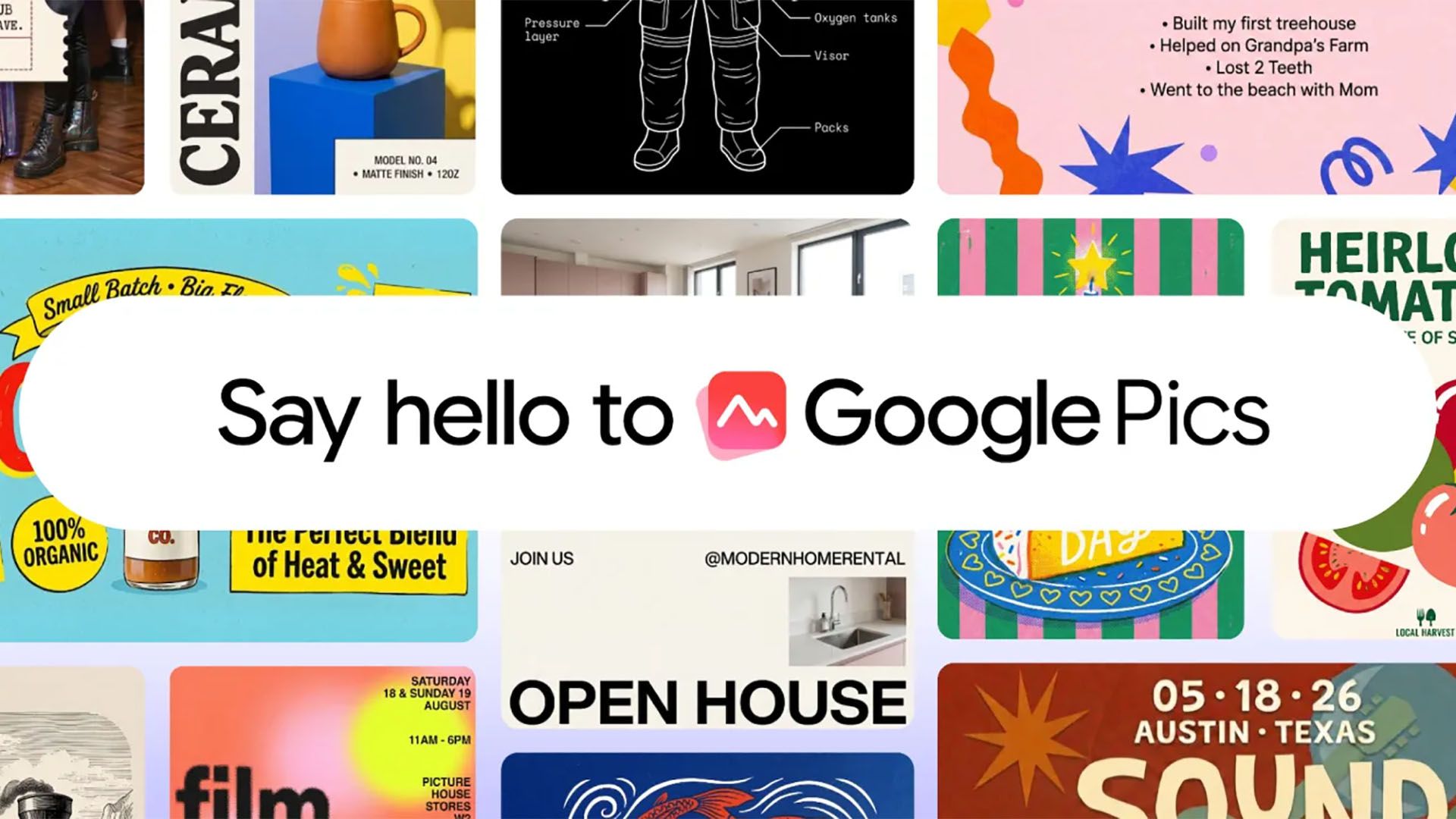
Enter Google Pics. Google is stepping up to bridge this exact gap, promising to replace the exhausting trial-and-error cycle of traditional AI generation with a smarter, more intuitive, and context-aware approach to visual creation. Here is a deep dive into how Google Pics is shaking up the graphic design landscape and what it means for creators, marketers, and everyday users.
The Death of the Guessing Game: What is "Prompt-and-Pray"?
To understand why Google’s latest move is such a big deal, we first need to diagnose the disease plaguing current AI art generators. Tools like Midjourney, DALL-E, and Stable Diffusion are undeniably powerful, but they operate on a black-box principle.
- High Friction: Getting a specific result requires writing sprawling, overly descriptive prompts loaded with modifiers like "cinematic lighting," "octane render," and "8k resolution."
- Lack of Precision: Moving an element three inches to the left often requires regenerating the entire image, destroying elements you actually liked.
- Editing Nightmares: Fixing a typo or changing a shirt color in an AI-generated image usually means starting from scratch or relying on clumsy in-painting masks.
For professional workflows, this unpredictability is a massive bottleneck. Businesses cannot afford to "pray" that an AI gets their marketing banner right on the twentieth try. They need consistency, control, and editability. This is precisely the vacuum Google Pics aims to fill.
How Google Pics Changes the Game
Google Pics is not just another text-to-image generator; it is designed from the ground up as a collaborative visual workspace. By combining Google’s cutting-edge Gemini AI models with robust layout controls, the platform shifts the paradigm from "generate and hope" to "co-create and control."
1. Semantic Layer Awareness
Unlike traditional generators that output a flat, uneditable PNG or JPEG, Google Pics understands the distinct components of your design. If you generate a graphic featuring a laptop, a coffee cup, and a notebook on a wooden desk, Google Pics treats each of those items as a separate, manipulable layer. You can click on the coffee cup, drag it across the canvas, resize it, or swap it out entirely without altering the rest of the image. This level of structural control brings the flexibility of traditional vector software into the realm of generative AI.
2. Guided Intent and Natural Language Editing
Instead of rewriting an entire prompt because you want to change the background color from blue to warm sunset orange, Google Pics allows for conversational, localized editing. You can simply highlight the background and say, "Make this look like golden hour." The AI understands the context, preserves the subject matter, and seamlessly adjusts only the targeted area. This eliminates the cognitive load of prompt engineering.
3. Seamless Integration with the Google Ecosystem
One of Google’s greatest strengths is its infrastructure. Google Pics integrates effortlessly with Google Drive, Workspace, and Photos. Need to pull a product shot from your company’s cloud storage, drop it into a dynamic promotional banner, and use AI to generate a matching stylistic background? Google Pics handles this transition with zero friction. For teams already embedded in the Google ecosystem, this workflow is a massive time-saver.
The Canva Effect and the Battle for the Non-Designer
For over a decade, Canva has been the undisputed king of accessible design. By providing millions of pre-made templates, stickers, fonts, and stock images, Canva made graphic design approachable for teachers, small business owners, and social media managers who didn't know Photoshop from Microsoft Paint.
However, as users demand more unique, tailored assets rather than generic templates, Canva has also integrated AI features (like "Magic Design"). But Google Pics is entering the arena with a distinct technical advantage: native, multimodal AI depth built by one of the leading AI research companies on the planet.
While Canva relies heavily on stitching together template elements and third-party AI APIs, Google Pics leverages foundational models that understand physics, lighting, typography, and human aesthetics natively. This means the assets generated within Google Pics don't just look like "AI art pasted onto a template"—they look like cohesive, professionally designed visual artifacts.
Why Marketers and Creators Should Pay Attention
If you work in marketing, content creation, or small business management, the shift toward structured AI design tools like Google Pics will fundamentally change your daily routine. Here is what you can expect:
- Drastically Reduced Production Times: By bypassing the prompt-and-pray loop, teams can produce campaign-ready graphics in minutes instead of hours.
- Brand Consistency: Advanced locking features allow organizations to set strict color palettes, typography rules, and logo placements that the AI must adhere to, preventing rogue brand interpretations.
- Democratized Art Direction: You no longer need to be a prompt wizard to get professional results. Intuitive UI controls mean your desired output matches your actual input.
The Future of Visual Creation
We are witnessing the awkward adolescence of generative AI coming to an end. The era of typing a wild sentence into a chat box and hoping for a masterpiece is giving way to mature, professional-grade software that respects the user's intent and workflow.
Google Pics is signaling a loud and clear message to the tech and design worlds: AI should empower creators, not frustrate them. By marrying the boundless creativity of generative models with the practical, tactile controls of traditional graphic design software, Google is setting a new standard for how we will build the visual internet.
Whether you are a seasoned art director looking to speed up your mood-board creation, or a small business owner trying to whip up a flyer for a weekend sale, the end of the prompt-and-pray era is finally here. And honestly? It’s about time.


No comments:
Post a Comment