
Google Just Made Moving Passkeys Secure and Painless—Here’s Why It’s a Game Changer for Cybersecurity
Let’s face it: the days of the traditional password are numbered. For years, we’ve relied on a fragmented system of sticky notes, easily guessable pet names, and recycling the same "P@$$w0rd123" across dozens of platforms. Enter passkeys—the cryptographic beacon of hope designed to liberate us from the anxiety of credential stuffing and phishing attacks.
Backed by tech giants like Apple, Microsoft, and Google, passkeys use biometric sensors (like your fingerprint or face scan) or your device PIN to sign you into apps and websites safely. They are fast, phishing-resistant, and fundamentally more secure than passwords. But until recently, they came with a massive headache: the lock-in effect.
If you wanted to switch your password manager, upgrade your ecosystem, or share access securely, you were often met with a digital brick wall. Passkeys were notoriously difficult to move around. Fortunately, Google is changing the game. In a massive win for digital autonomy, Google just made moving passkeys secure and painless, removing one of the biggest friction points in modern cybersecurity.
The Passkey Dilemma: Why Migration Was Broken
To understand why this update is such a big deal, we need to look at how passkeys worked previously. Unlike traditional passwords—which are ultimately just text strings that you can easily export as a .csv file and drop into a new vault—passkeys are tied to public-key cryptography.
When you create a passkey, a unique cryptographic pair is generated:
- A public key stored safely on the website or service’s server.
- A private key locked securely inside your device’s hardware or specific password manager.
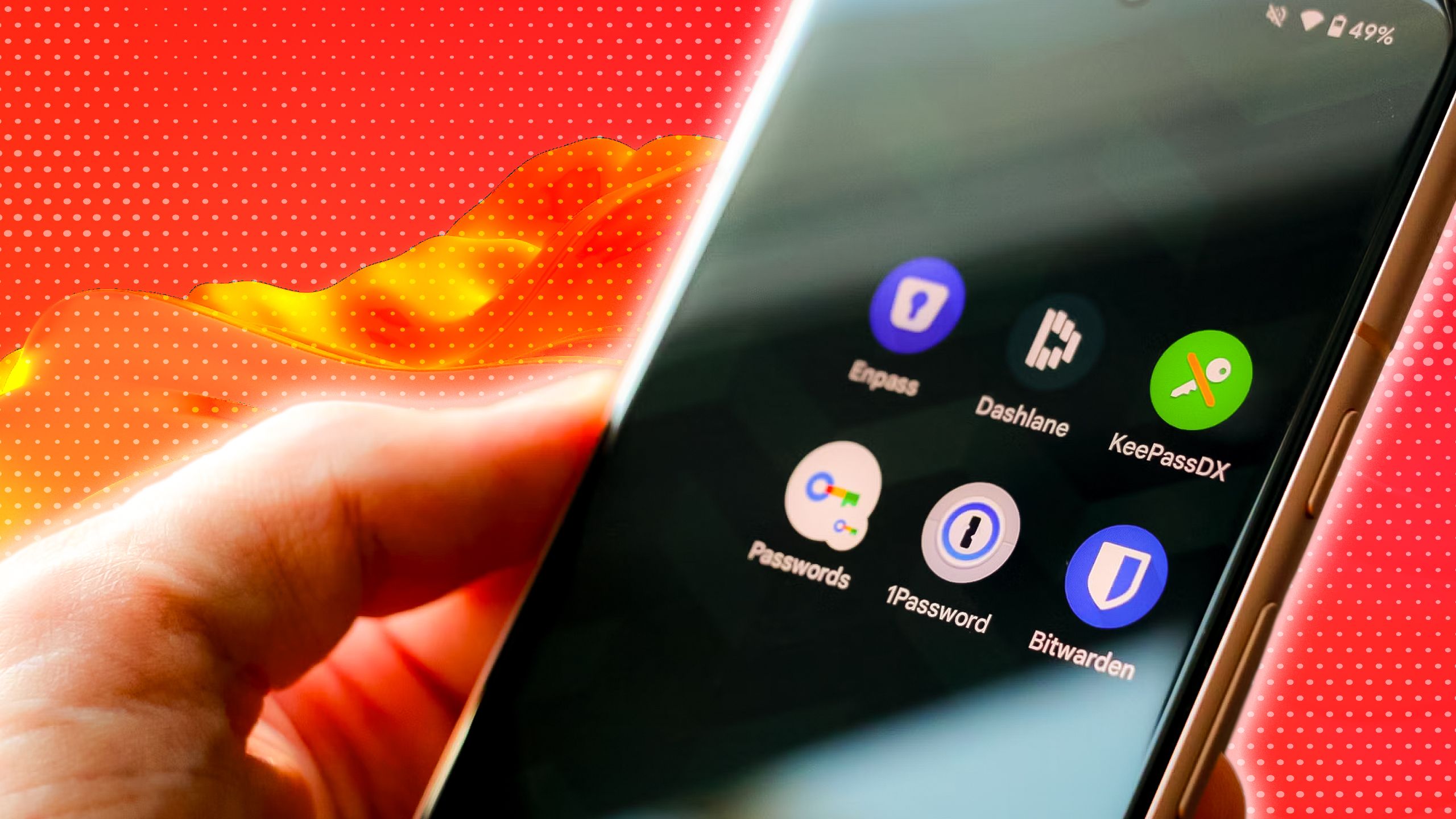
Because these private keys are designed to never leave their secure enclave unencrypted, moving them between different ecosystem providers—say, from Apple iCloud Keychain to a third-party manager like 1Password or Bitwarden, or from Android to Windows—was either impossibly clunky or downright impossible without manually recreating the passkey for every single account.
This "walled garden" approach meant that once you chose a passkey provider, you were essentially married to it. For tech enthusiasts and everyday users alike, this lack of interoperability was a major deterrent to widespread adoption.
Google’s Breakthrough: Seamless and Secure Portability
Google’s latest update directly tackles this usability barrier. By leveraging standardized protocols and secure end-to-end encryption, Google is rolling out features that allow users to export and import passkeys across platforms with minimal friction.
Instead of forcing users to manually delete and recreate passkeys every time they change software or hardware providers, Google’s streamlined system ensures that your cryptographic credentials can travel with you—provided you have the proper master authentication.
Here is what makes Google’s new approach a masterclass in UX and security:
- End-to-End Encryption: Your private keys are encrypted during transit, ensuring that even if the migration data is intercepted, it remains completely useless to malicious actors.
- Cross-Platform Compatibility: Google is playing nice with the broader FIDO Alliance standards, making it easier to bridge the gap between Android, Windows, macOS, and iOS.
- User-Centric Control: You retain absolute ownership of your cryptographic keys. No more forced ecosystem lock-in.
Why This Matters for the Future of Passkeys
Convenience is the ultimate driver of adoption. If a security feature is too difficult to use, people simply won't use it. We saw this with multi-factor authentication (MFA) via SMS, and we’ve seen it with early passkey implementations.
By solving the migration problem, Google is removing the fear of commitment. Users are much more likely to adopt passkeys knowing that if they decide to switch phones next year, switch laptops, or migrate to a different security app, they won't lose access to their digital lives or have to spend hours resetting accounts.
Furthermore, this development puts pressure on other industry players. Apple and Microsoft will need to ensure their own export/import pathways are just as smooth to stay competitive in the rapidly evolving passwordless future.
How to Get Started with Passkeys Today
If you haven’t jumped on the passkey bandwagon yet, now is the absolute best time to start. Major platforms—including Google, GitHub, PayPal, and various banking apps—already support them. Here is how you can future-proof your digital security:
- Audit Your Accounts: Check which of your frequently used websites and apps currently support passkeys.
- Choose Your Vault: Decide whether you want to use Google Password Manager, Apple Keychain, or a dedicated third-party password manager.
- Replace Old Passwords: Go into your security settings, generate a passkey, and authenticate it using your biometric data.
- Stay Updated: Keep your operating systems and browser apps updated to take full advantage of the latest cross-platform migration tools.
Final Thoughts
Cybersecurity shouldn’t feel like a chore, and moving your digital identity from one service to another shouldn't require an engineering degree. With this latest update, Google has addressed the single biggest complaint holding passkeys back from mainstream dominance.
As the web inches closer to a truly password-free reality, seamless portability ensures that users—not tech monopolies—remain in control of their digital security. It’s secure, it’s painless, and it’s the future of how we browse the web.


No comments:
Post a Comment