
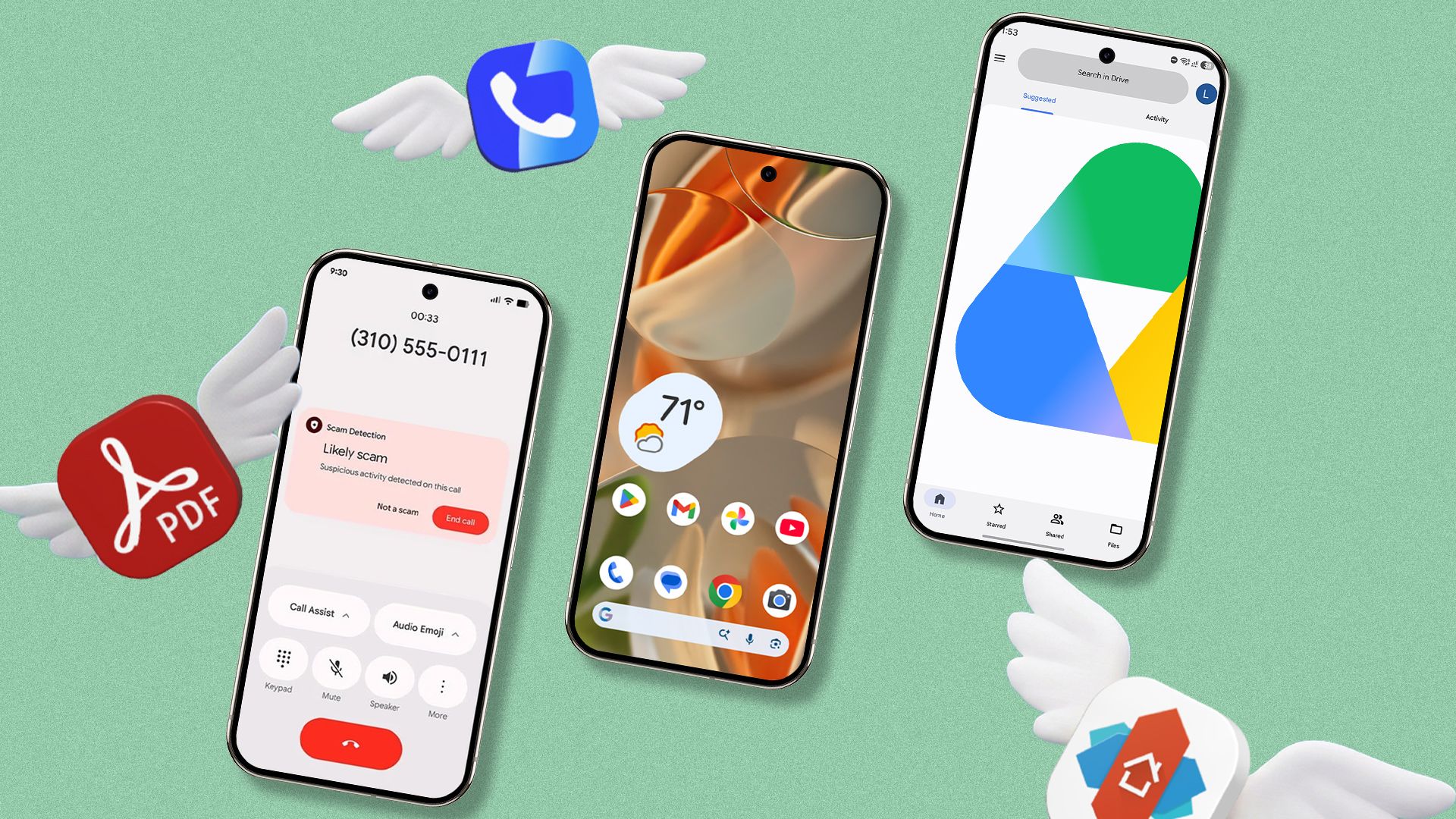
How I Stopped Wasting Money on Android Apps (And You Can Too)
Let's be honest. We all love our Android phones. We love downloading new tools, trying out fancy features, and making our phones look cool. Over the years, I spent a lot of my own hard-earned money on paid apps from the Google Play Store.
I bought apps for taking notes, scanning documents, editing photos, and organizing my day. I thought spending money meant I was getting the best quality.
But recently, I looked at my bank statements. I realized something shocking. Android has gotten so good, and Google's new AI tool, Gemini, is so powerful, that I do not need most of these paid apps anymore.
In fact, I deleted them. And today, I want to show you how you can save your money, too. Here are the types of paid apps I stopped paying for because my phone and Gemini do the job for free.
1. Paid Note-Taking Apps
For a long time, I paid a monthly fee for a fancy note-taking app. It had a pretty design, but I mostly just used it to write down shopping lists and quick ideas.
Then I remembered: Google Keep is already on my phone. It is 100% free. It syncs across all my devices instantly. It lets me add checkboxes, take photo notes, and even record voice memos.
Even better, I now use Gemini to help me write notes. If I have a long article or an email, I ask Gemini to summarize it for me. Then I save that summary right into Google Keep. I saved money, and my notes are easier to find now.
2. Third-Party PDF Scanners
We all need to scan paper documents into PDFs sometimes. I used to pay for a premium scanner app to get rid of annoying ads and watermarks.
Guess what? You do not need to pay for this. Google Drive has a built-in scanner that works like magic. Just open Google Drive, tap the plus (+) button, and tap "Scan."
It automatically finds the edges of the paper, cleans up the shadows, and saves it as a PDF. It is fast, clean, and completely free.
3. Language Translation Apps
When I travel or talk to people who speak different languages, I used to buy paid translation tools that promised offline support.
Now, I just use the Google Translate app. It is completely free. You can download whole languages for offline use. You can even use your camera to look at a menu in a foreign country, and the app translates the words on your screen in real time.
4. Weather Apps Full of Ads
I used to pay a yearly fee just to get a weather app without blinking banner ads and pop-ups.
Now, I just use the built-in Google Weather. You can find it right inside the Google app on your phone, or add the cute weather frog widget to your home screen. It gives you hourly forecasts, rain alerts, and wind updates without costing a single penny.
5. AI Writing and Chat Assistants
Last year, I tried a few subscription apps that promised to help me write emails, draft messages, and answer hard questions using AI. They charged high monthly fees.
Today, I use Google Gemini. Because it is built right into the Android ecosystem, it is my go-to helper. I ask Gemini to write polite work emails, plan my weekend trips, or explain difficult topics to me. It is fast, smart, and free to use on your Android phone.
How to Audit Your Android Apps Today
If you want to save some money this month, take a quick look at your phone. Here is a simple checklist to help you clean house:
- Open the Google Play Store and tap your profile picture.
- Tap Payments & subscriptions.
- Look at your active subscriptions.
- Ask yourself: "Does Google or Gemini already do this for free?"
You might be surprised by how many apps you are paying for out of habit. Cancel them, save your cash, and let your Android phone do the heavy lifting.
Final Thoughts
Android has changed a lot. Google now includes powerful tools right out of the box that used to require paid apps. By switching to built-in features and using Gemini, I keep my phone running smooth and keep money in my pocket.
What paid apps are you thinking about deleting? Let me know in the comments below, and let us save some money together!


No comments:
Post a Comment