
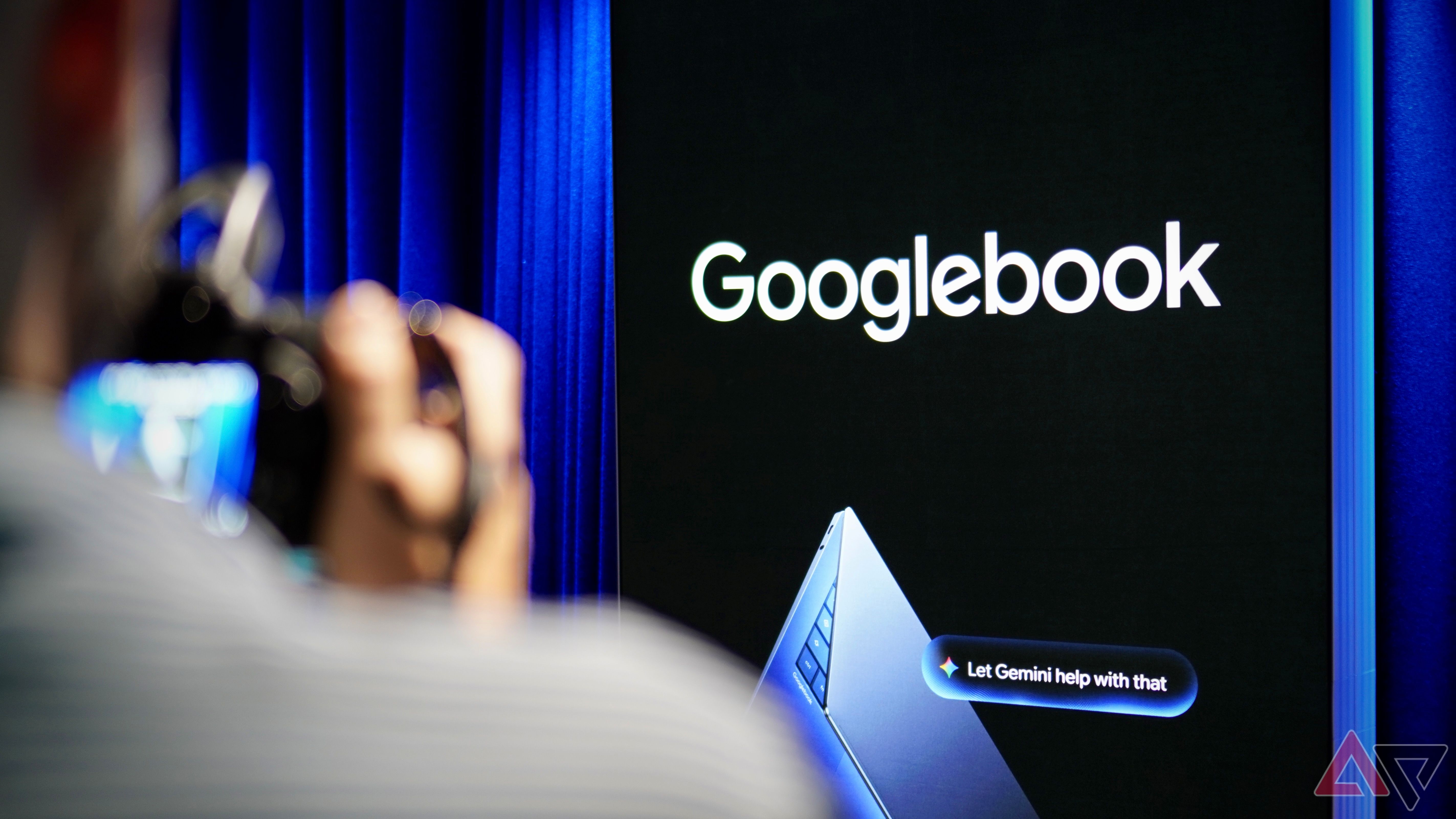
The Big Problem With Google's New Feature and Samsung Phones
Hey there, Android family! If you love keeping up with phone news, you probably heard about the big buzz around Googlebook. Google and its partners have been talking about this device a lot. They say its best feature is how well it works with the Android system. It sounds like a dream come true for phone fans.
But wait—there is a catch. A very big catch.
Right now, this top feature does not work with Samsung phones. Yes, you heard that right. Samsung is the biggest phone maker in the world. Millions of people use Samsung Galaxy phones every single day. Yet, they cannot use the best part of Googlebook yet. Let us look at why this is happening and what it means for you.
What Is Googlebook and Why Is Everyone Talking About It?
Googlebook is a brand-new device that people are very excited about. Google wants it to change how we use our mobile gadgets. One of the main selling points is deep Android integration. In simple words, Google wants all your devices to talk to each other smoothly.
Imagine sitting on your couch. You get a text, a photo, or a file. You want to share it fast without using a cable. Googlebook promises to make this super easy. It connects with your phone like magic. You get quick sync, easy file sharing, and a lot of cool tricks.
Google has been showing off this feature for weeks. They call it the ultimate dream for the Android ecosystem. But dreams and real life do not always match up on day one.
Why Doesn't It Work With Samsung Phones?
You might wonder how this is even possible. Samsung is the king of Android. How can a major new Android feature ignore Samsung users?
The main reason comes down to how software is built. Samsung does not use plain, stock Android. They use their own special skin called One UI. Samsung adds a lot of its own apps, settings, and security features to every phone they sell.
Because Samsung changes so much under the hood, new Google features often need extra time to fit in. Google builds these tools for standard Android first—usually on Google's own Pixel phones. Brands like Samsung, Motorola, and OnePlus have to do extra work to make their software play nicely with new Google updates.
Right now, that bridge between Googlebook and Samsung's software is simply not ready. If you try to use the best feature, you will hit a wall.
Which Phones Can Use It Right Now?
If you are feeling left out with your Samsung Galaxy, do not worry. You are not alone. But you might want to know who *can* use this feature today.
- Google Pixel Phones: Since Google makes both the Pixel and the software, Pixel owners get the best experience first. Everything works right out of the box.
- Other Stock Android Devices: Phones that run a clean version of Android have a much easier time connecting to Googlebook.
If you own a Samsung phone, you still get all your normal apps and tools. But that specific, shiny new feature from Googlebook? You will have to wait for it.
When Will Samsung Users Get It?
The big question on everyone's mind is: When will it be our turn?
Google and Samsung have not given an exact date yet. However, tech experts think an update is coming soon. Both companies know they cannot ignore Samsung users forever. Samsung makes up too big a piece of the Android pie.
Usually, software makers fix these problems in a few weeks or months. Samsung will likely release a software update or a security patch that opens the door for Googlebook. Until then, patience is the only option.
What Should You Do?
Are you thinking about buying a Googlebook? Or do you already own a Samsung phone and feel worried?
Here is my simple advice:
Check before you buy: If you use a Samsung phone as your main daily driver, wait just a little longer. Let Google and Samsung sort out their software connection first.
Keep your phone updated: Watch for system updates on your Samsung device. Go to your phone settings, click on Software Update, and tap download often. When the fix arrives, your phone needs to be ready.
Look for workarounds: You can still share files and use other apps to connect your devices. It might take an extra step, but you are not totally stuck.
What do you think about this issue? Does it stop you from buying a Googlebook, or are you happy to wait for the update? Let me know your thoughts, and stay tuned for more easy tech news!


No comments:
Post a Comment