
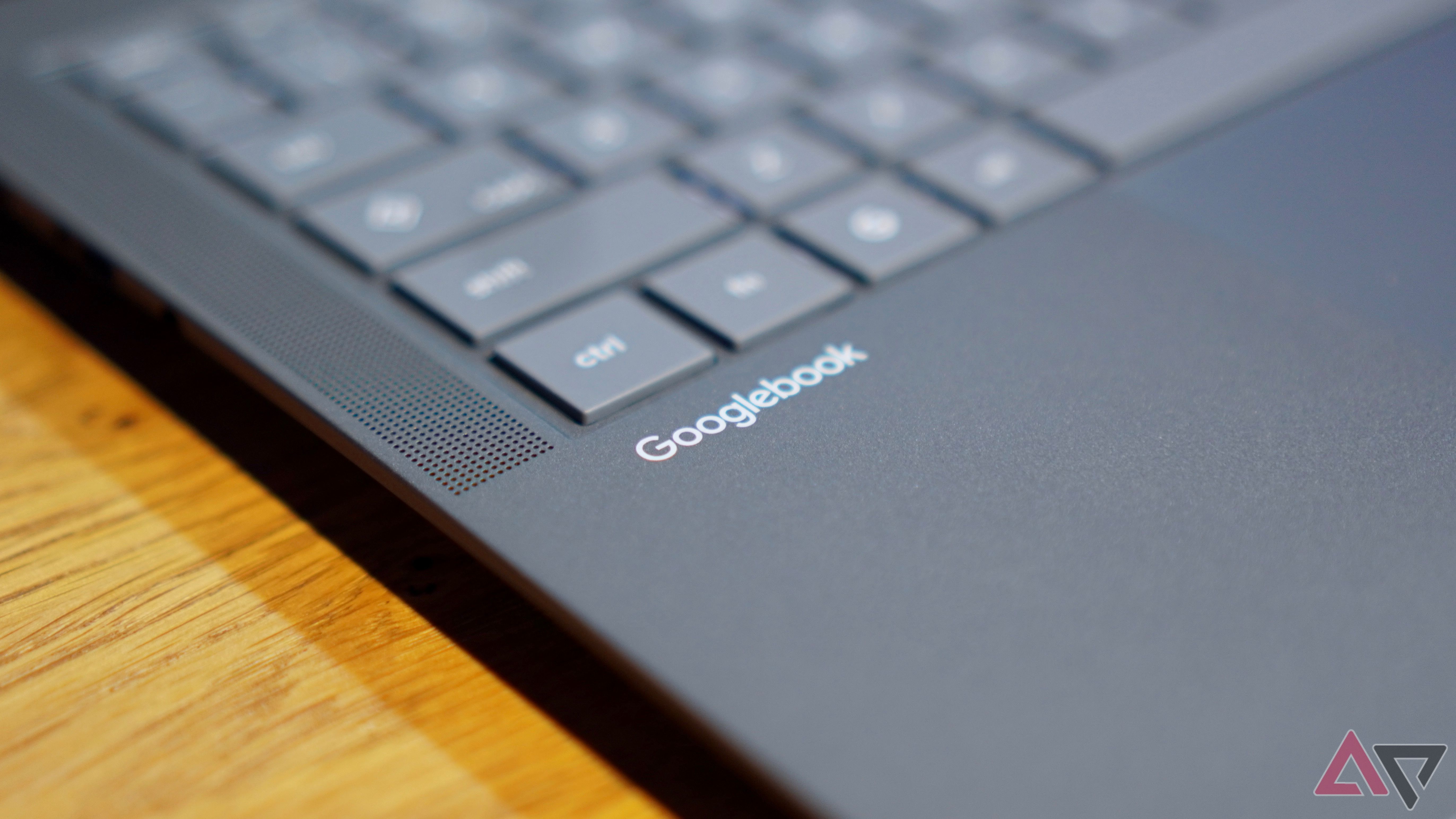
Want to Try Google's New Laptop OS on Your Mac? Here is How You Can Do It
Have you heard about the brand new laptop operating system from Google? It is called Googlebook. Many people are talking about it right now. Google built this software to bring the best parts of the Android world straight to a laptop screen.
If you use a Mac computer, you might feel left out. You might think you need to buy a brand new device just to test this new system. But wait! You do not need to spend your money just yet. A clever new trick lets you run Googlebook right on your Mac computer.
You can do this using a virtual machine. Do not worry if that sounds too techy or hard. We will walk through it together step by step.
What is Googlebook?
Before we jump into the steps, let us talk about the software itself. Google wants to make the line between your phone and your computer disappear. We already use Android apps on our phones every day. Googlebook brings that same smooth feeling to a larger laptop screen.
It is fast, clean, and very easy to use. It connects well with all your favorite Google apps like Gmail, YouTube, and Google Drive. Because it is so fresh and new, many tech fans want to test it out right away.
Can Mac Users Join the Fun?
Normally, this software is only for special laptops made for it. If you own an Apple MacBook, your computer runs macOS. Apple's system is very different from what Google makes.
However, smart developers always find a way to help people. Someone created an unofficial project. This project lets you run Googlebook inside a virtual machine on your Mac.
What is a virtual machine? Think of it as a computer inside your computer. It creates a safe digital box. Inside that box, you can run a totally different operating system without breaking your main Mac setup. It will not delete your files or change your normal Mac settings.
What You Need Before You Start
Before you try this trick on your Mac, make sure you have a few things ready:
- A Mac computer with enough free storage space.
- A stable internet connection to download the files.
- A little bit of patience. Testing new software can sometimes take a few tries.
Keep in mind that this is an unofficial workaround. It is not an official app from Apple or Google. That means it might be a little slow, or some features might not work perfectly. But it is a great and free way to get a taste of the new system before you decide to buy any new hardware.
How to Experience Googlebook on Your Mac
Ready to see what all the fuss is about? Follow these general steps to set up your virtual machine:
- Download a Virtual Machine App: You will need a program that lets you run other operating systems on your Mac. Free tools like VirtualBox are very popular for this job.
- Get the Googlebook Image: Find the unofficial system files shared by developers online. Make sure you download them from a safe and trusted source.
- Set Up the Virtual Machine: Open your virtual machine app and create a new virtual computer. Give it a good amount of memory (RAM) so it runs smoothly.
- Boot Up and Play: Load the system files into your virtual machine and turn it on. In a few moments, the Googlebook screen will pop up right on your Mac display.
Once it starts up, you can click around, check out the menus, and see how the interface feels. It is a really fun weekend project if you love trying out new tech trends.
Is It Worth Trying?
If you are a big fan of Android and new gadgets, absolutely! It is always exciting to see what Google is building next. This workaround lets you test the waters safely on the computer you already own.
Have you tried running this new system on your Mac yet? Did it work smoothly for you? Let us know your thoughts in the comments below, and stay tuned for more easy tech tips and news!


No comments:
Post a Comment