
Hello there, fellow Android fans! Have you ever sat in a meeting room where everyone talks at the same time? People shout over each other. Good ideas get lost. And at the end of the day, nobody remembers who needs to do what.
I know this pain very well. For years, I was the designated note-taker in almost every office meeting. It started just because I had a nice notebook and a smooth pen. Later, it stuck because I love trying out every new app on my phone and laptop.
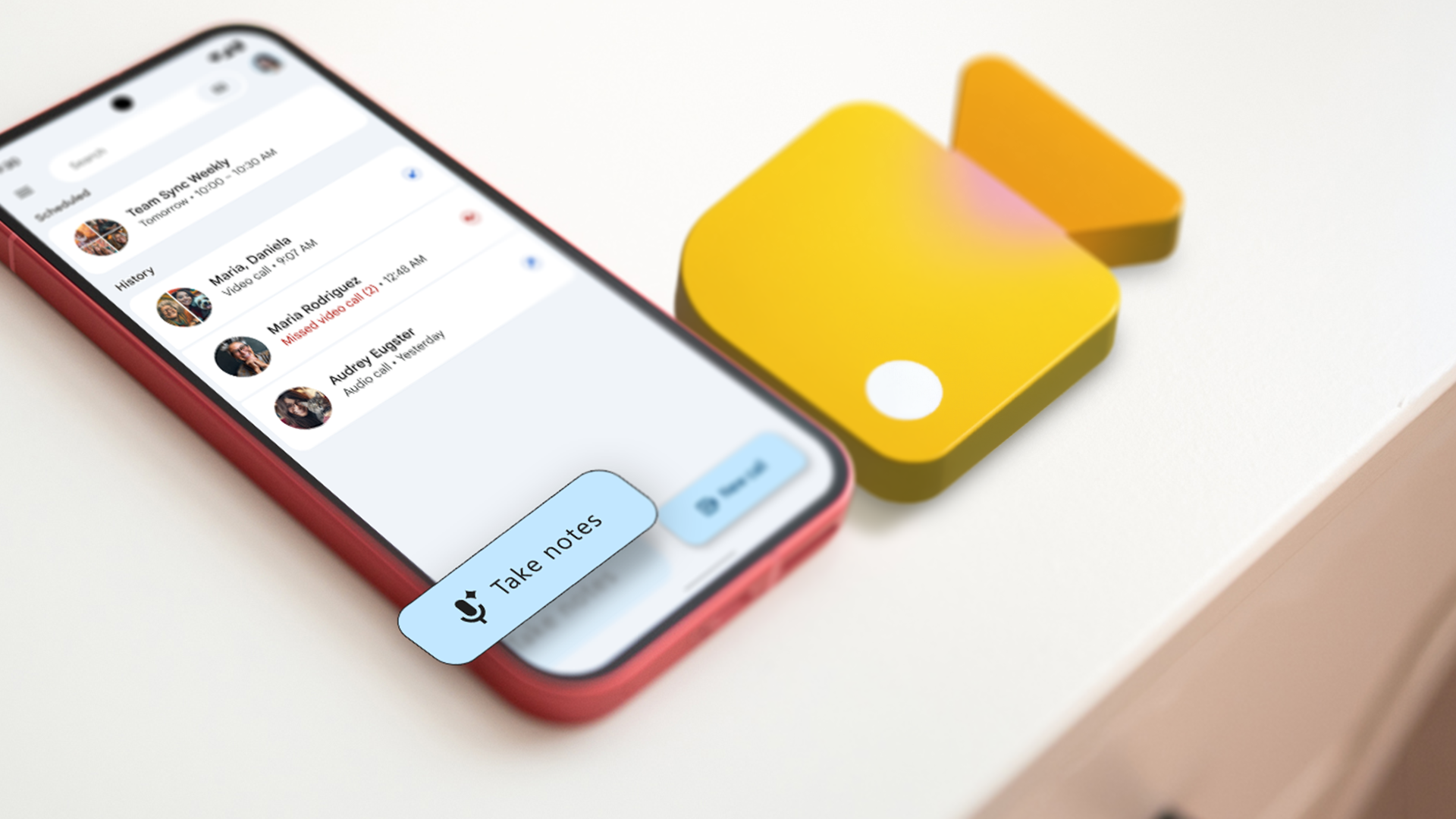
Taking notes by hand is hard. Typing fast on a laptop is loud and distracting. But recently, I found a clever trick. I use a specific feature in Google Meet, even when everyone sits in the same room together! Let me show you how this simple trick changed my work life, and how you can use it too.
The Problem with In-Person Meetings
Meeting rooms are great for face-to-face chats. But they are terrible for keeping records. Think about it:
- Three people speak at once.
- The person at the back of the room is too quiet to hear.
- The whiteboard gets full, and someone erases it too soon.
- By Friday, nobody remembers what you decided on Monday.
For a long time, I tried to fix this with different note apps on my Android phone and tablet. Some apps were too slow. Others missed whole sentences. Then, I realized something funny. Why do we only use video call apps when we are far apart? Google Meet works just as well when we all sit around the same table.
My Secret Weapon: Google Meet Companion Mode
When most people think of Google Meet, they think of working from home. They think of video calls, webcams, and muted microphones. But Google added a feature called Companion Mode. It is designed for hybrid work, but it is a lifesaver for in-person meetings.
Here is what I do. When my team gathers in the conference room, I open my laptop or Android tablet. I start a Google Meet link for the room. Everyone joins the meeting link from their own phone, laptop, or tablet. But we make sure to mute our microphones and turn off our speakers so we do not get that awful screeching feedback sound.
We are all sitting in the same room, but we are connected through the app. Why do I love this? Let me break down the best parts.
1. The Chat Box Saves Good Ideas
Have you ever wanted to share an idea, but someone else was already talking? In a normal room, you have to wait. By the time they stop, you forget your thought.
With Google Meet open on your phone or tablet, you can just type your idea into the in-call chat. It does not interrupt the speaker. Everyone can read it in real time. As the note-taker, I do not have to guess what people mean. I just look at the chat log later.
2. Built-in Captions Act as a Safety Net
Google Meet has a fantastic live captions feature. When people speak, the app writes their words on the screen. Even though we are in the same room, I keep captions turned on.
If someone mumbles, or if two people speak at once, the caption tool helps me catch the exact words. It is like having a tiny, smart assistant sitting on my desk, helping me write down every important point.
3. Asking Questions Without Interrupting
Sometimes, a boss or a coworker is sharing a long update. You have a quick question about a detail, but you do not want to stop their flow.
You can type your question in the chat. Another team member can answer it quickly with a text reply, or the speaker can check the chat when they take a breath. It keeps the meeting moving fast.
How to Set This Up for Your Next Meeting
You do not need fancy gear to try this. You just need your everyday devices. Here are the simple steps to set it up:
- Create a Google Meet link in your Google Calendar before the meeting starts.
- When you walk into the conference room, open the link on your Android phone, tablet, or laptop.
- Important step: Keep your microphone and volume muted. If multiple people in the same room have their mics on, the sound will echo badly.
- Use the chat, the polls, or the Q&A features during the meeting.
After the meeting ends, you can save the chat log. You do not have to spend hours typing up messy handwritten notes. You already have a complete written history of the discussion right on your screen.
Give It a Try
Technology is not just for talking to people far away. Sometimes, the best tools help us work better with the people sitting right next to us. Next time you have a busy team meeting, open up Google Meet at the table. You will wonder how you ever survived without it.
Do you use any fun tech tricks for your office meetings? Let me know your favorite apps in the comments below!


No comments:
Post a Comment