
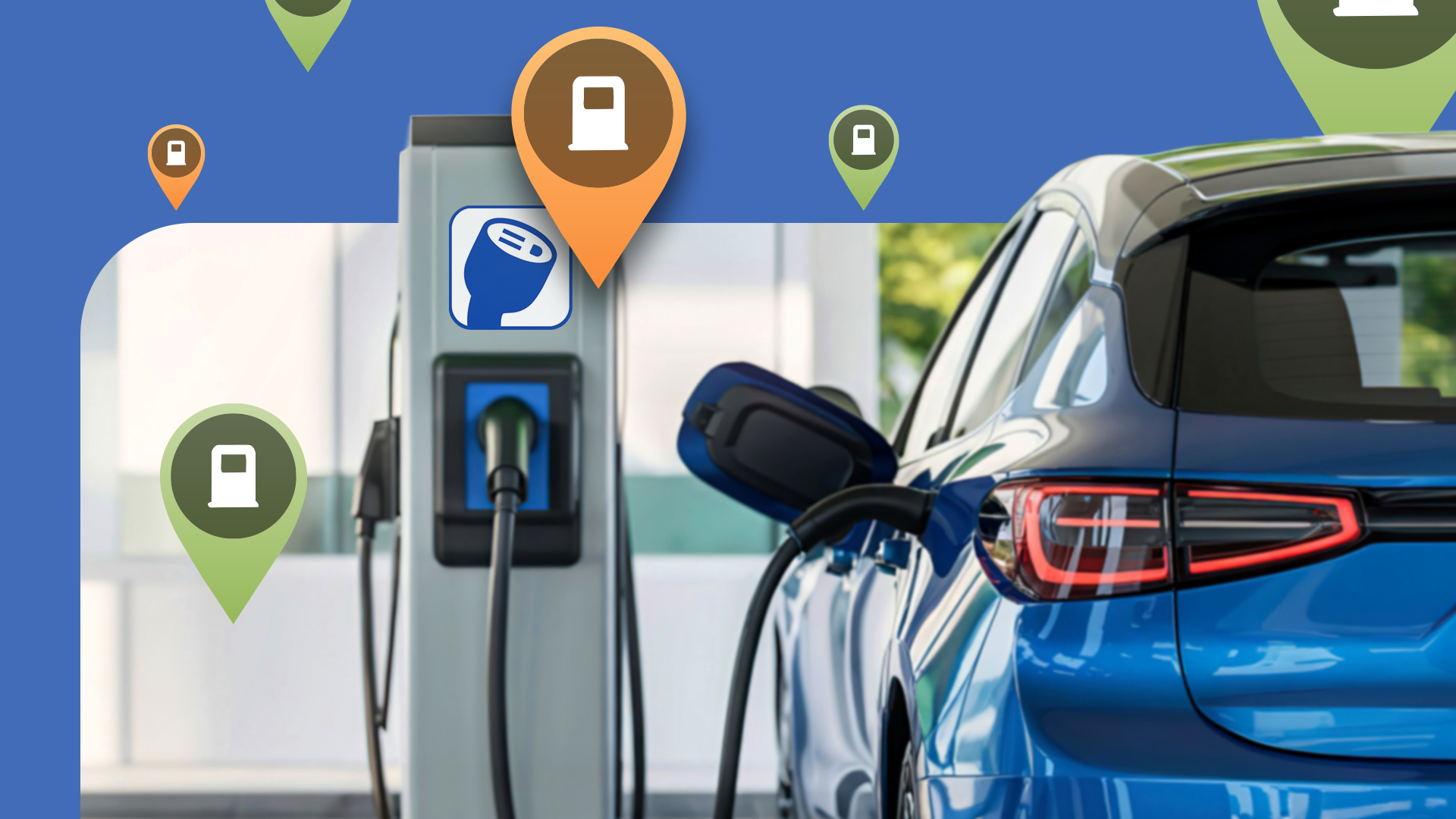
If It Weren't for This Android Auto App, I Would Have Been Left Stranded for Hours
Let's set the scene: It was a torrential Tuesday evening. The kind of rain where windshield wipers on their highest setting barely make a dent in the wall of water cascading from the sky. I was three hours away from home, working remotely on the road, and my trusty hybrid car was stuck at the mechanic for routine maintenance. To keep my schedule on track, I had opted to rent a fully electric vehicle (EV) for the day.
Now, I am no stranger to EVs. I appreciate the instant torque, the whisper-quiet cabin, and the zero-emission drive. But renting a strange EV in unfamiliar territory during extreme weather is a recipe for high-stakes anxiety—especially when the battery percentage starts dipping into the single digits much faster than anticipated due to the heater, headlights, and relentless headwinds.
What started as a routine business trip quickly morphed into a range-anxiety nightmare. If it weren't for one specific Android Auto app seamlessly projecting onto my dashboard, I would have been completely stranded on a dark, desolate highway for hours. Here is the story of how a single piece of software saved my evening, and why it should be a staple on every driver's infotainment system.
The Anatomy of an EV Road Trip Emergency
My day started off swimmingly. I picked up the rental EV with a 90% charge, confident it would easily handle my 150-mile itinerary with plenty of juice to spare. However, driving an EV in the real world—outside of EPA-estimated lab conditions—is an entirely different beast.
By late afternoon, two things happened:
- The temperature plummeted, forcing me to crank up the cabin heating.
- A massive storm rolled in, forcing traffic to crawl and destroying the vehicle's aerodynamic efficiency.
Suddenly, the car’s onboard navigation system—which was clunky, outdated, and failed to account for real-time elevation changes or weather impacts—started throwing alarming low-battery warnings. Worse yet, the built-in POI (Point of Interest) database claimed there was a fast charger just 10 miles ahead. Trusting the car's native software, I diverted.
Big mistake.
When I arrived at the designated charging station, I was greeted by a row of dark, out-of-service kiosks covered in error codes. My battery was now at 8%. The nearest alternative charging station was supposedly 15 miles away, but with heavy traffic and gridlock, I wasn't sure the car would even make it. Panic set in.
Enter the Hero: PlugShare via Android Auto
In a state of desperation, I looked at my car's dashboard. Thankfully, I had my phone plugged in, running Android Auto. While native car navigation systems are notoriously slow to update and often lack community-driven accuracy, Android Auto bridges the gap by bringing our favorite smartphone utilities right to the big screen.
And that is when I opened my ultimate safety net: PlugShare.
If you drive an electric vehicle and you aren't using PlugShare, you are playing Russian roulette with your battery life. While native maps tell you where a charger is supposed to be, PlugShare tells you the truth about it through crowdsourced check-ins, real-time user ratings, and status updates.
With my battery now hovering at a nail-biting 6%, I used Android Auto's touch interface to pull up PlugShare. Instantly, the app filtered out broken chargers, pinpointed a functioning 150kW DC fast charger just off the next exit, and—crucially—showed check-ins from other drivers within the last 20 minutes confirming that the stalls were open and working.
Why Android Auto Changes the Game for EV Drivers
Smartphones are incredible tools, but looking at a 6-inch phone screen mounted to a dashboard while navigating heavy rain at 65 MPH is downright dangerous. This is where the power of Android Auto truly shines.
By bringing apps like PlugShare directly onto the car’s built-in display, Android Auto offers:
- Enhanced Safety: Larger touch targets, voice commands via Google Assistant, and reduced distraction keep your eyes closer to the road.
- Real-Time Reliability: Access to community-driven data that outpaces manufacturer database updates.
- Seamless Routing: The ability to select a charger and immediately trigger turn-by-turn navigation without fumbling between multiple devices.
- Filter Customization: Easily sorting chargers by plug type (CCS, NACS, Chademo) and kilowatt speed to match your specific rental vehicle.
As I rolled into the charging station parking lot with exactly 3% battery remaining—the car literally chiming at me to pull over immediately—I plugged in with a massive sigh of relief. The charger worked flawlessly on the first try, just as the PlugShare community members had promised in their recent reviews.
Essential Android Auto Apps Every Driver Needs
That harrowing experience completely changed how I prep for road trips, especially when driving unfamiliar rental cars. Relying solely on factory infotainment systems is a gamble no modern driver should take.
If you want to future-proof your daily commute and road trips, make sure your Android Auto setup includes these must-have applications:
- PlugShare: The absolute holy grail for EV owners, providing crowdsourced status updates and reviews for charging stations worldwide.
- Waze: Beyond standard mapping, Waze's community-reported hazards, police traps, and object-on-road warnings have saved me from countless potential accidents.
- Spotify or YouTube Music: Essential for keeping the road rage at bay with offline playlists when driving through dead zones with poor cellular reception.
- A Better Routeplanner (ABRP): For longer EV trips, ABRP plans your exact charging stops based on your vehicle model, weather, and driving speed. (Though checking compatibility with Android Auto is key!).
The Takeaway: Don't Leave Home Without It
Technology is supposed to make our lives easier, but when tech fails—like a broken public charger or a poorly designed factory navigation system—it can quickly turn your day upside down.
That stormy Tuesday evening could have easily ended with a multi-hour wait for a flatbed tow truck in the freezing rain. Instead, thanks to the combination of Android Auto and the invaluable data provided by PlugShare, I made it home safely, on schedule, and with a renewed appreciation for connected car ecosystems.
If you haven't explored the ecosystem of apps available on your car's display through Android Auto, take a few minutes this weekend to set them up. You might just save yourself from being stranded, too.


No comments:
Post a Comment