
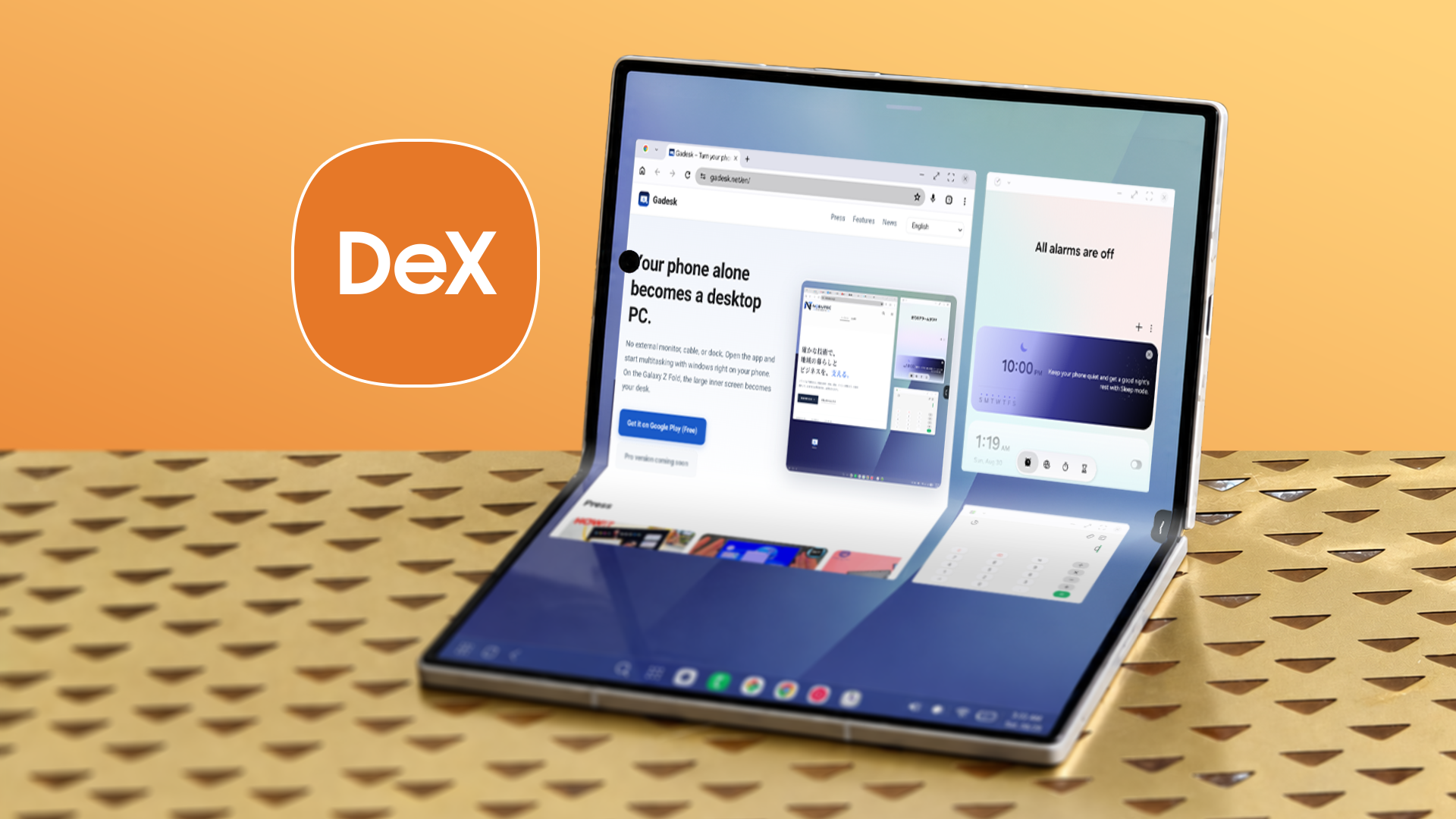
What is Samsung DeX?
Have you ever looked at your Android phone and wished it could act like a real computer? Samsung has a feature for that. It is called Samsung DeX.
Samsung DeX has been around for a long time. It first came out in 2017 with the Galaxy S8 phones. The idea is simple. You plug your phone into a monitor, TV, or laptop. Then, your phone screen changes. It looks and acts like a desktop computer, similar to Windows or a Mac.
You get a taskbar at the bottom. You can open apps in windows. You can use a mouse and a keyboard. For many people, it sounds like a dream. Can your phone really replace your laptop?
Recently, I decided to test this out. I tried turning a Samsung Z Fold phone into a full desktop setup using DeX. I wanted to see if it works well for everyday tasks. Sadly, the results were not great. It barely worked.
My Setup: Trying to Work from My Phone
I wanted a clean desk setup. I connected my foldable phone to a nice computer monitor using a USB-C hub. I also plugged in a wireless mouse and a keyboard.
At first glance, it looks cool. The phone screen goes dark, and a desktop pops up on the big monitor. You see icons on the home screen. You see a clock in the corner.
But as soon as I started to use it, the problems began. Turning a phone into a PC sounds easy on paper. In real life, it is full of small annoyances.
Why DeX Felt Frustrating on the Z Fold
So, why did my test fail? Here are the main issues I ran into:
- App sizing problems: Many Android apps are made for vertical phone screens. When you open them on a big monitor in DeX, they look weird. Some apps will not let you make the window bigger. Others look blurry and stretched out.
- Weird bugs and lags: Moving windows around did not always feel smooth. Sometimes, the mouse cursor would jump or freeze for a second.
- Heat and battery drain: Running a desktop OS makes the phone work very hard. My phone got quite warm after just twenty minutes. Also, even if you plug it into power, the battery can drain fast if the hub is not strong enough.
- Multitasking limits: You can open multiple windows, but Android is still a mobile operating system under the hood. If you open too many heavy apps, the phone will close them in the background to save memory.
The Problem with Foldable Phones and DeX
You might wonder: does the Z Fold make a good desktop because it is already a hybrid device?
Actually, it makes things a bit strange. The Z Fold is already two screens in one. You have the small outer screen and the big square inner screen. When you use DeX, you are adding a third screen to the mix.
Often, notifications pop up on the phone while you are working on the monitor. Sometimes, the phone screen wakes up by mistake. It feels like the software gets confused about what you want to do.
Also, the square shape of the inner screen on the Z Fold does not match standard computer monitors. This adds to the awkward look of the apps when they open on the big screen.
When Does Samsung DeX Actually Work Well?
Do not get me wrong. Samsung DeX is not a totally bad feature. In fact, on regular slab phones like the Galaxy S24 or older Galaxy S notes and Ultras, DeX can be quite useful.
If you just want to do basic things, DeX works fine. For example:
- Browsing the web with Chrome.
- Checking your email in Gmail.
- Typing simple documents in Google Docs.
- Watching videos on YouTube or Netflix on a hotel TV when you travel.
If you pack a small Bluetooth keyboard and a mouse in your bag, you do not need to carry a laptop on a short trip. You can just plug your phone into the hotel TV and answer some emails.
But if you want to do heavy work, like video editing, coding, or running many large programs at the same time, DeX is not ready to replace a real PC or a MacBook.
Final Thoughts
My experiment taught me a good lesson. The technology inside our phones is super fast today. A modern phone has more power than the laptop you used five years ago.
Even so, software is just as important as hardware. Android apps are simply not built for desktop windows yet. Until app developers change how their apps work on big screens, DeX will remain a fun extra feature rather than a true laptop killer.
Have you ever tried Samsung DeX? Did it work for you, or did you run into the same bugs I did? Let me know your thoughts in the comments below!


No comments:
Post a Comment