
How I Cleaned Up My Messy Google Drive Using Claude (And Why Gemini Couldn't Help)
Do you look at your Google Drive and feel a little bit stressed? You are not alone. My own Google Drive root folder is, to put it kindly, a digital landfill.
I have old files from five years ago. I have blank documents. I have receipts, random photos, and duplicate notes. Everything is just sitting there in one big pile.
As an Android and tech fan, I love trying new tools. When Google's Gemini AI came out, I thought it would save me. I hoped Gemini would walk into my digital messy room and clean it up in seconds. Sadly, that did not happen.
So, I tried something different. I let Claude (another popular AI) take a look at my Google Drive mess. The result? I am not going back to Gemini for this job.
Today, I want to share how I did it. I will explain why Gemini fell short and how Claude actually helped me get organized.
The Problem with a Messy Google Drive
We all use Google Drive on our Android phones and computers. It is great for saving files. But over time, it gets out of hand.
Here is what my Drive looked like before the cleanup:
- Hundreds of files with names like "Untitled document" or "Scan_2021".
- No folders. Everything was just saved in the main root folder.
- Old projects mixed right in with things I need today.
- Running low on free Google storage space because of junk files.
I needed an AI assistant to read file names, understand what was inside them, and tell me how to sort them. That is when I turned to AI.
Why Gemini Couldn't Fix My Drive
Google makes Gemini. Because of that, you would think Gemini is the best tool for Google Drive. After all, they are from the same company.
I opened Gemini and asked it to help me organize my files. I wanted it to look at my Google Drive and tell me what to delete or move.
Here is what went wrong:
- Limited Access: Gemini could not deeply scan my actual file structure and list everything out in a neat way for me to sort.
- Vague Answers: When I asked for help, Gemini gave me general tips. It told me things like "make folders" and "delete old files." I already knew that! I wanted the AI to do the heavy lifting.
- No Action Plan: It could not give me a step-by-step list of which specific files to archive, trash, or keep.
Gemini is great for writing emails or summarizing web pages. But for deep file management? It felt lazy and unhelpful.
Enter Claude: The AI That Saved My Files
Frustrated with Gemini, I decided to test Claude. Claude is an AI made by a company called Anthropic. People often talk about it as a great writer, but can it fix a digital mess?
Here is the trick: Claude lets you upload files and text. While it doesn't plug directly into your Google account like Gemini does, you can export a list of your file names. (You can do this by using a simple directory listing tool or copying your file names into a text document).
Once I gave Claude the list of my messy files, the magic happened.
How Claude Helped Me Step-by-Step
I gave Claude my messy list and said: "Here are the names of all the files in my Google Drive. Please help me sort them into logical folders and tell me what I should delete."
Claude did not just give me advice. It actually did the work:
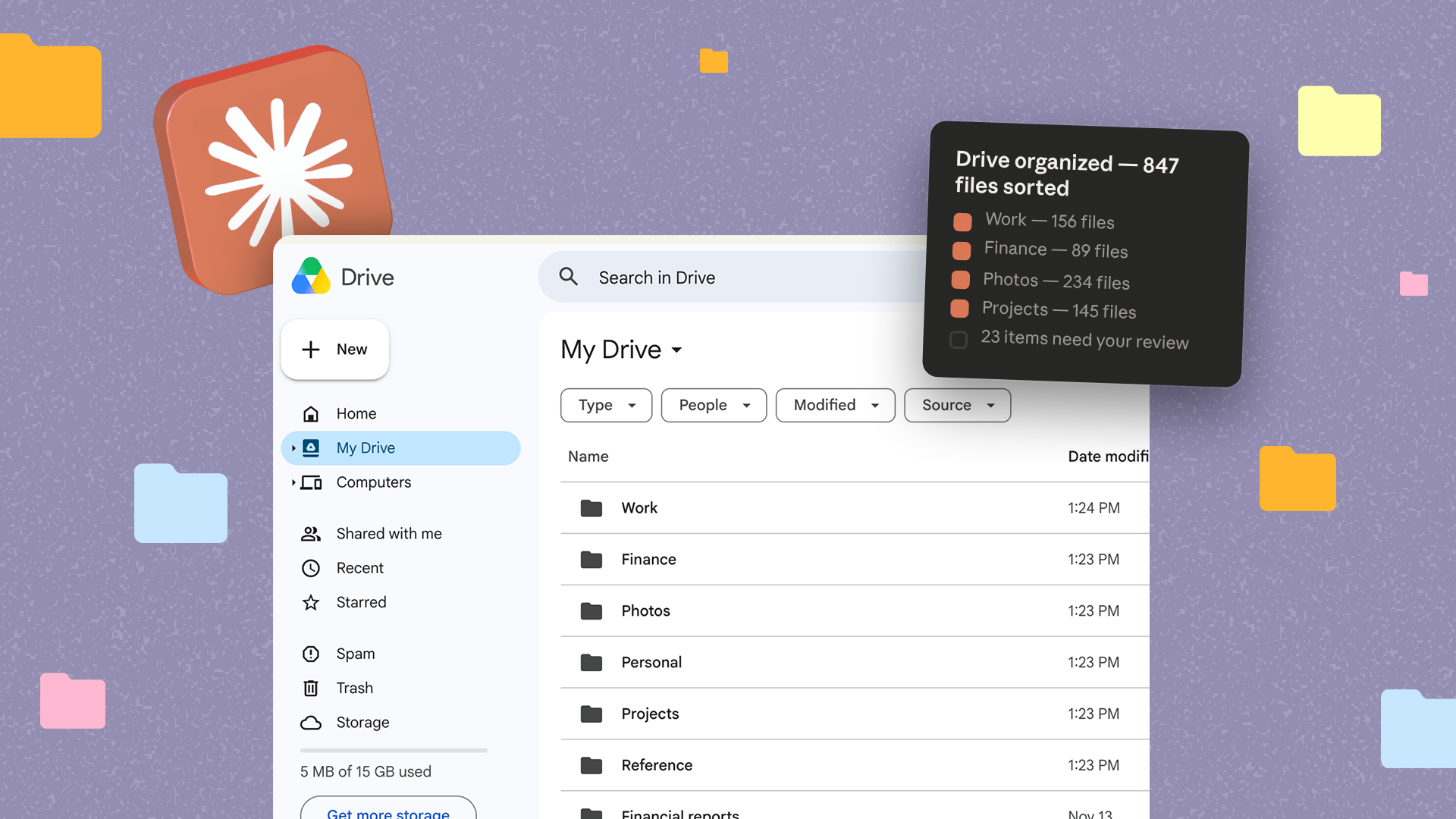
- It created a folder structure: Claude suggested clean categories like "Work," "Personal," "Finance," and "Archive."
- It sorted the files: It went through my messy list and put every single file name under the right category.
- It spotted junk: Claude pointed out files with strange names and said, "You probably do not need this anymore. Put it in the trash."
Why I Am Not Going Back
Google needs to update Gemini so it can actually manage Google Drive files. Until that happens, I will stick with Claude for my digital cleanup.
Claude gave me a clear plan. It took a stressful, ugly mess and turned it into a neat checklist. It took me less than 30 minutes to finally organize my Google Drive.
If your Google Drive looks like a digital landfill, try this method. Grab your file names, paste them into Claude, and ask for a sorting plan. You will feel so much better once your phone and computer sync up with a clean, organized drive!


No comments:
Post a Comment