
I Paired a Local LLM with Obsidian on Mobile; It Eliminated My Daily Note-Sorting Headaches
If you are anything like me, you have spent years building a digital sanctuary. For a long time, my sanctuary of choice was Obsidian running directly on my smartphone. I meticulously crafted a system of daily notes, fleeting thoughts, book summaries, and project trackers. I trusted it completely as my external hard drive—my ultimate second brain.
Then, the system started failing. And if I am being entirely honest, it was entirely my fault.
The very friction-free design that makes Obsidian so powerful on mobile—dumping thoughts into a chaotic inbox of rapid-fire text files—eventually became my undoing. My mobile inbox turned into a digital dumping ground. I had hundreds of unorganized, untagged thoughts, snippets, and links sitting in my vault. The thought of sorting, tagging, and filing them felt like a monumental chore. I was spending more time maintaining my productivity system than actually being productive.
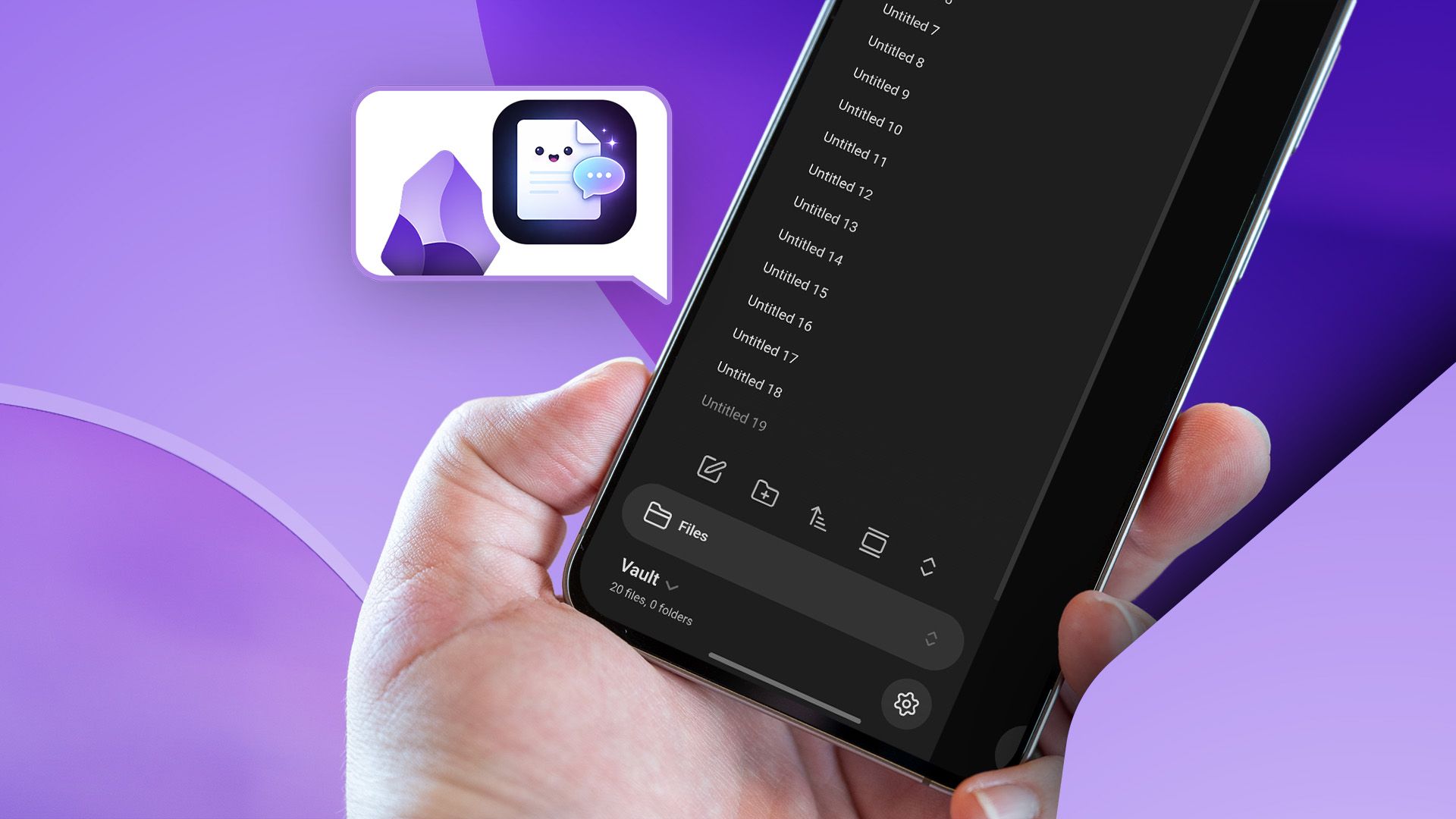
That was until I decided to run a local Large Language Model (LLM) directly alongside my Obsidian mobile vault. It completely transformed my workflow, eliminated my note-sorting anxiety, and gave me back hours of my week.
The Anatomy of a Mobile Note-Taking Breakdown
Obsidian is universally loved for its local-first architecture, markdown simplicity, and infinite extensibility via community plugins. On a desktop, managing an inbox is relatively painless. You can use keyboard shortcuts, multi-select files, and rely on powerful plugins like QuickAdd or Templater to route notes where they belong.
On mobile, however, the experience is radically different.
Dragging and dropping files on a phone screen is cumbersome. Typing out YAML frontmatter, adding specific tags like #project/work or #status/todo, and manually linking related notes on a cramped software keyboard feels less like knowledge management and more like data entry. Consequently, I stopped doing it. I would open Obsidian, type a brilliant thought on my commute, save it to my root folder, and promptly forget it existed.
My second brain was becoming a digital landfill. I needed an automated solution, but I had one hard rule: I refused to send my personal notes to a third-party cloud API. My journal entries, client notes, and half-baked business ideas are strictly private. Handing that data over to a remote server was out of the question.
That is when I explored the frontier of local AI on mobile.
Why Local LLMs Change Everything for Privacy-Conscious Power Users
Cloud-based AI assistants like ChatGPT or Claude are undeniably smart, but they require internet connectivity and, more importantly, a privacy compromise. When you feed your personal notes into a cloud API, you are trusting a third-party company with your most intimate thoughts and professional strategies.
Enter the era of efficient, lightweight local LLMs. Thanks to groundbreaking optimizations in model quantization (like GGUF formats) and mobile inference engines, you can now run remarkably capable language models directly on modern smartphone hardware without draining your battery in five minutes or melting your device.
By pairing a local LLM with my Obsidian mobile vault, I achieved the holy grail of personal knowledge management:
- Absolute Privacy: My notes never leave my device. Processing happens entirely offline, locally on the chip.
- Zero Latency: No waiting for web requests to time out or struggling with poor cellular reception on the subway.
- Contextual Understanding: The AI understands my idiosyncratic note-taking style because it reads the surrounding vault structure.
Setting Up the Local AI Engine on Mobile
So, how did I actually pull this off without needing a degree in computer science? The ecosystem has evolved to a point where setting up local mobile inference is surprisingly accessible.
First, I utilized an app capable of running local GGUF models on my phone (such as Termux with Ollama setups for advanced users, or dedicated client apps like PocketPal AI or ChatC that support local model loading). I downloaded a small, highly efficient model—specifically a 3-billion to 7-billion parameter quantized model like Llama 3 8B Instruct or Phi-3 Mini, which strikes an optimal balance between intelligence and mobile resource consumption.
Next came the integration layer with Obsidian. While Obsidian mobile doesn't natively execute local Python scripts out of the box, you can leverage advanced automation apps like Macrodroid or Tasker (on Android), or iOS Shortcuts, acting as the bridge between your notes and your local AI runner via local API endpoints.
My daily workflow now looks like this:
- I open Obsidian on my phone and jot down unstructured thoughts in a single designated
Inbox.mdfile throughout the day. No formatting required. - At the end of the day, I trigger a custom shortcut that sends the contents of my inbox to my local LLM instance.
- The local LLM analyzes the text, extracts action items, categorizes thoughts into appropriate folders (e.g., Projects, Ideas, Journal), generates relevant tags, and formats the markdown properly.
- The script writes the sorted notes back into my Obsidian directory structure automatically.
The Results: From Note Chaos to Effortless Clarity
The transformation was immediate and profound. My daily note-sorting headaches vanished overnight. Instead of dreading the weekly review process, I let my local AI assistant do the heavy lifting while I sleep or drink my morning coffee.
More importantly, this setup cured my collector's fallacy—the mistaken belief that collecting information is the same thing as understanding it. Because the local LLM helps surface connections and categorize thoughts I would have otherwise abandoned in my root directory, my second brain is finally acting like an active cognitive partner rather than a passive storage unit.
If you find yourself drowning in your own mobile note-taking system, stop forcing yourself to manually organize every little thought. Embrace the power of local artificial intelligence, protect your data privacy, and let your phone do the housekeeping.
Your second brain will thank you.


No comments:
Post a Comment